49
The connected device should respond by default. If not, you can switch the
display output by pressing the Fn+F5 hot keys. (You can also change the
display through Windows Control Panel.)
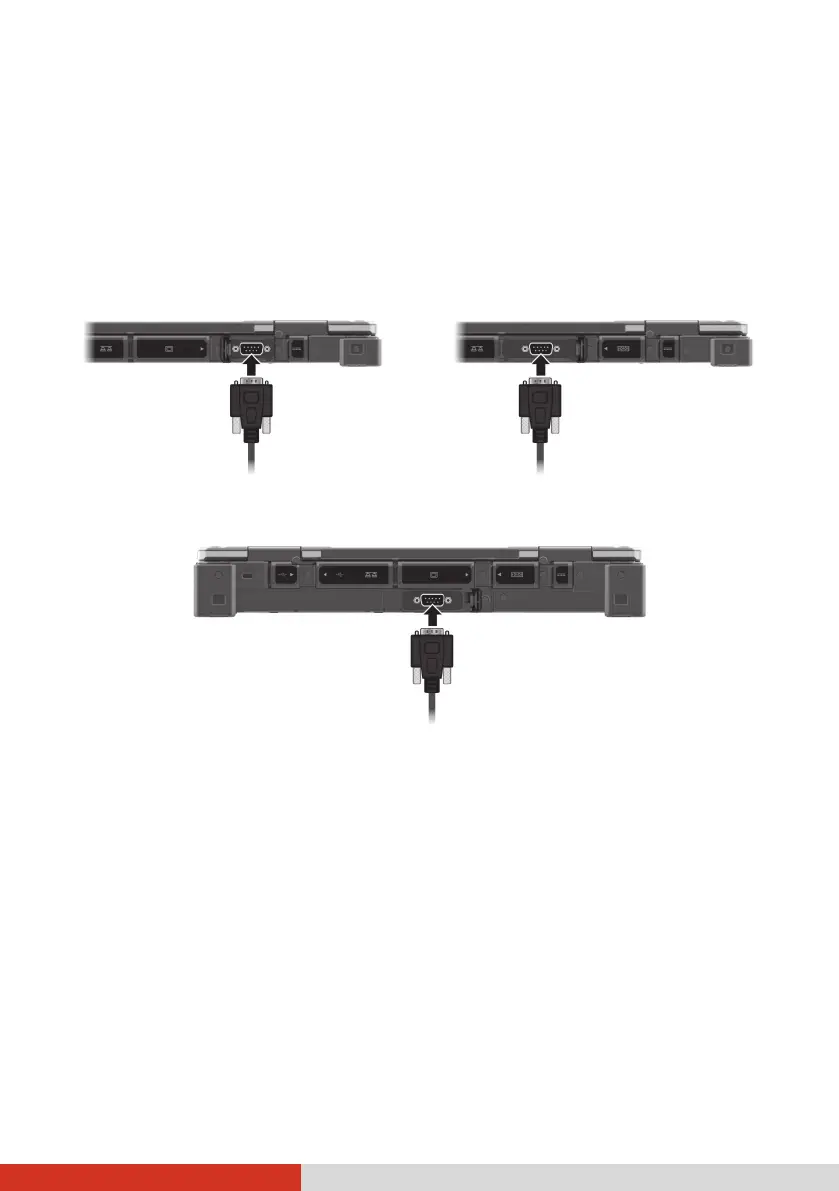
Connecting a Serial Device
Your computer has a serial port for connecting a serial device. (The location
of depends on your model.)
–or–
Select Expansion models have a serial port.



 To Next Page