40
Connecting Peripheral Devices
Connecting a Display Monitor
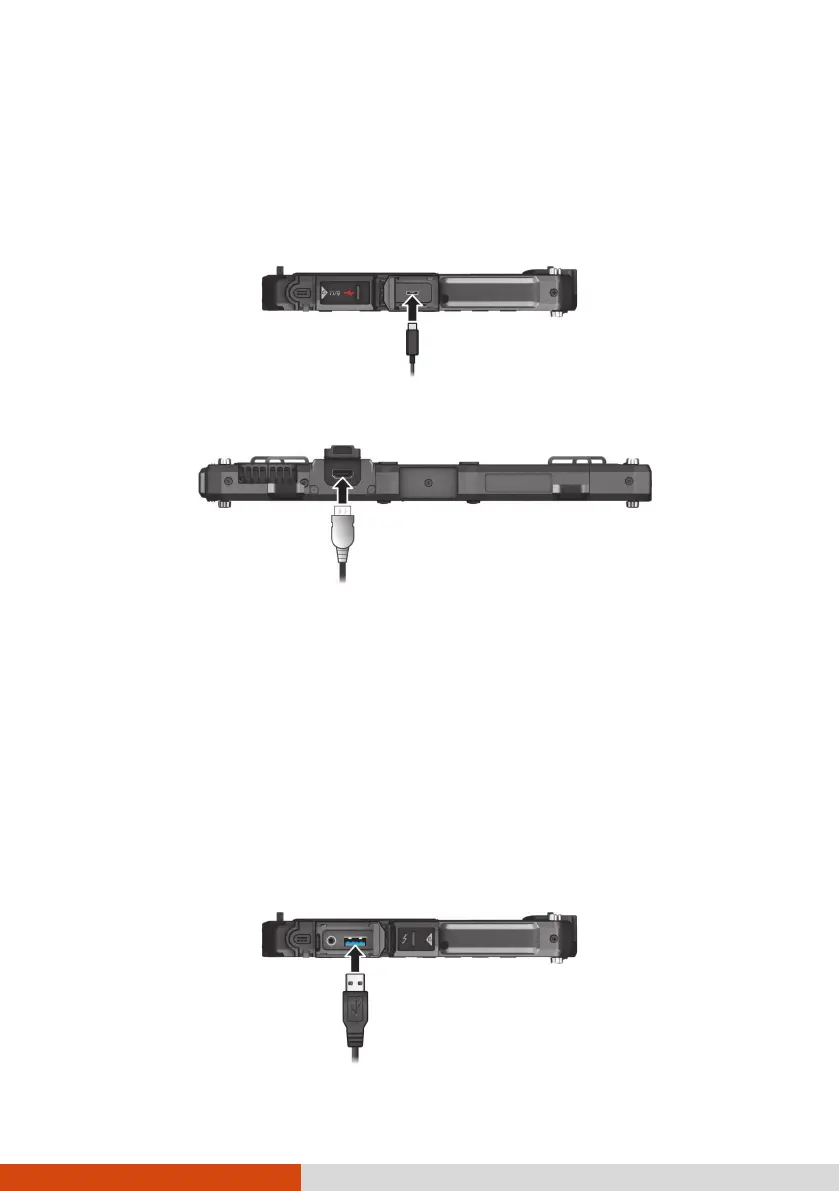
Your Tablet PC supports DisplayPort interface (through Thunderbolt).
Select models have an HDMI connector.
To switch the display output, use Windows Control Panel or OSD Control
Panel.
Connecting a USB Device
NOTE: USB 3.2/3.1/3.0 port is backward compatible with USB 2.0 port.
However, if necessary, you can set the USB 3.2/3.1/3.0 port to be a USB 2.0
port in the BIOS Setup Utility. Go to the utility, select Advanced
Device
Configuration, find the setting item, and change the setting to USB 2.0.
Your Tablet PC has a USB 3.2 Gen 2 port for connecting USB devices, such as
a digital camera, scanner, printer, modem, and mouse.
DisplayPort
(through Thunderbolt)



 To Next Page