44
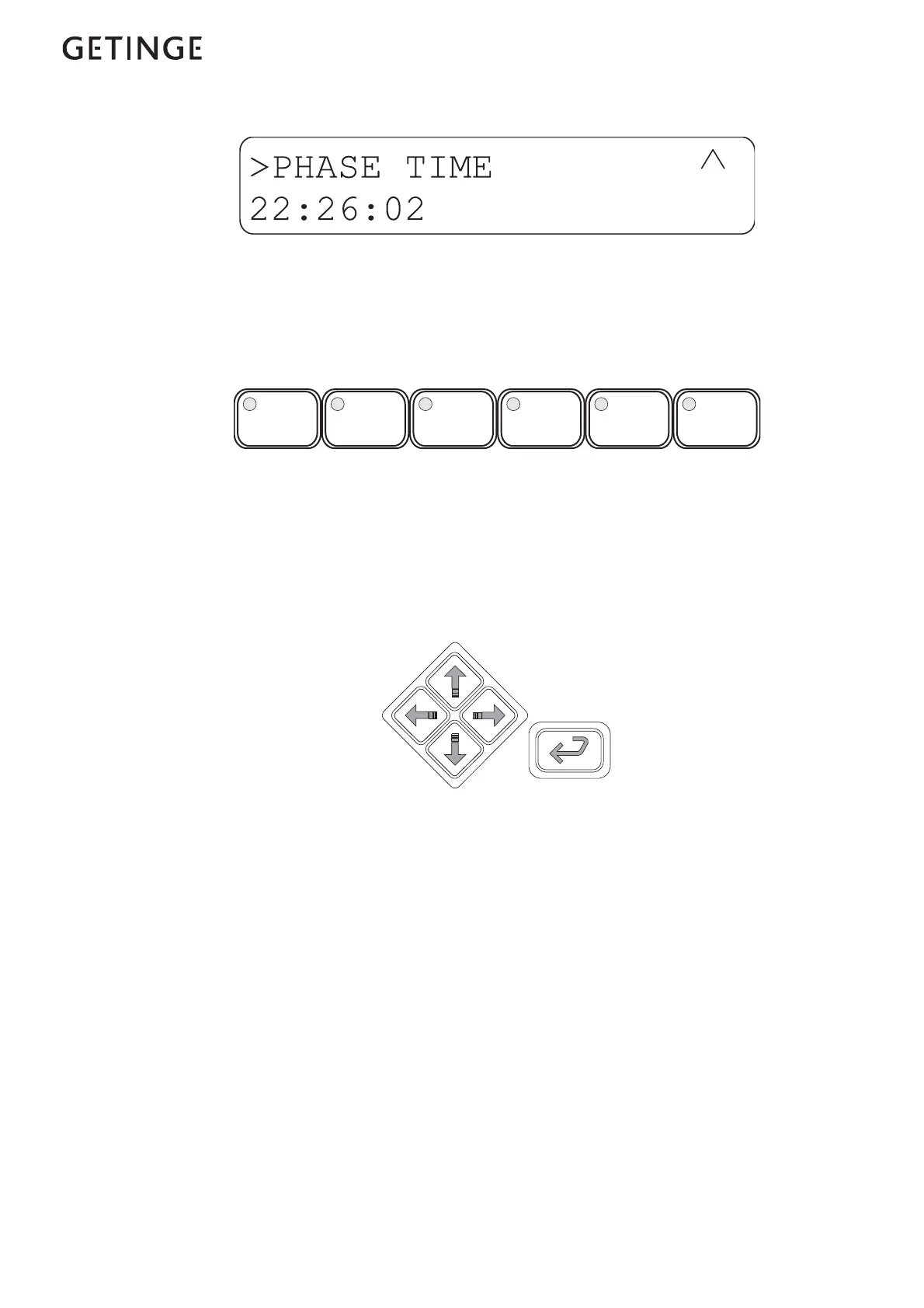
When you get to the bottom of the list, there is only one arrow pointing
upwards on the right of the display. Menus and lists are “endless”,
meaning that you are returned to the top of the list when you press the
down-arrow at the end of the list.
Program selection buttons
Up to six programs can be selected with these buttons. If the control sys-
tem has more programs, the additional ones are chosen from a scrolling
list. The list of available programs can be reached by pressing ENTER
in standby mode.
Cursor keys
There are navigation five keys on the panel. These keys (which always
have the same functions) are four arrow keys (up, down, left and right)
to control the cursor and an ENTER key.
Left-arrow
Used to back up one step (one level higher) in menus. If you hold the
key down longer you are returned to the main menu.
Right-arrow
Not used in menus and lists.
Down-arrow
Shows the next object in the list.
Up-arrow
Shows the previous object in the list.
ENTER
Goes to the chosen object in the list or opens a field for editing if there
is an editable field.











 To Next Page