43
Display
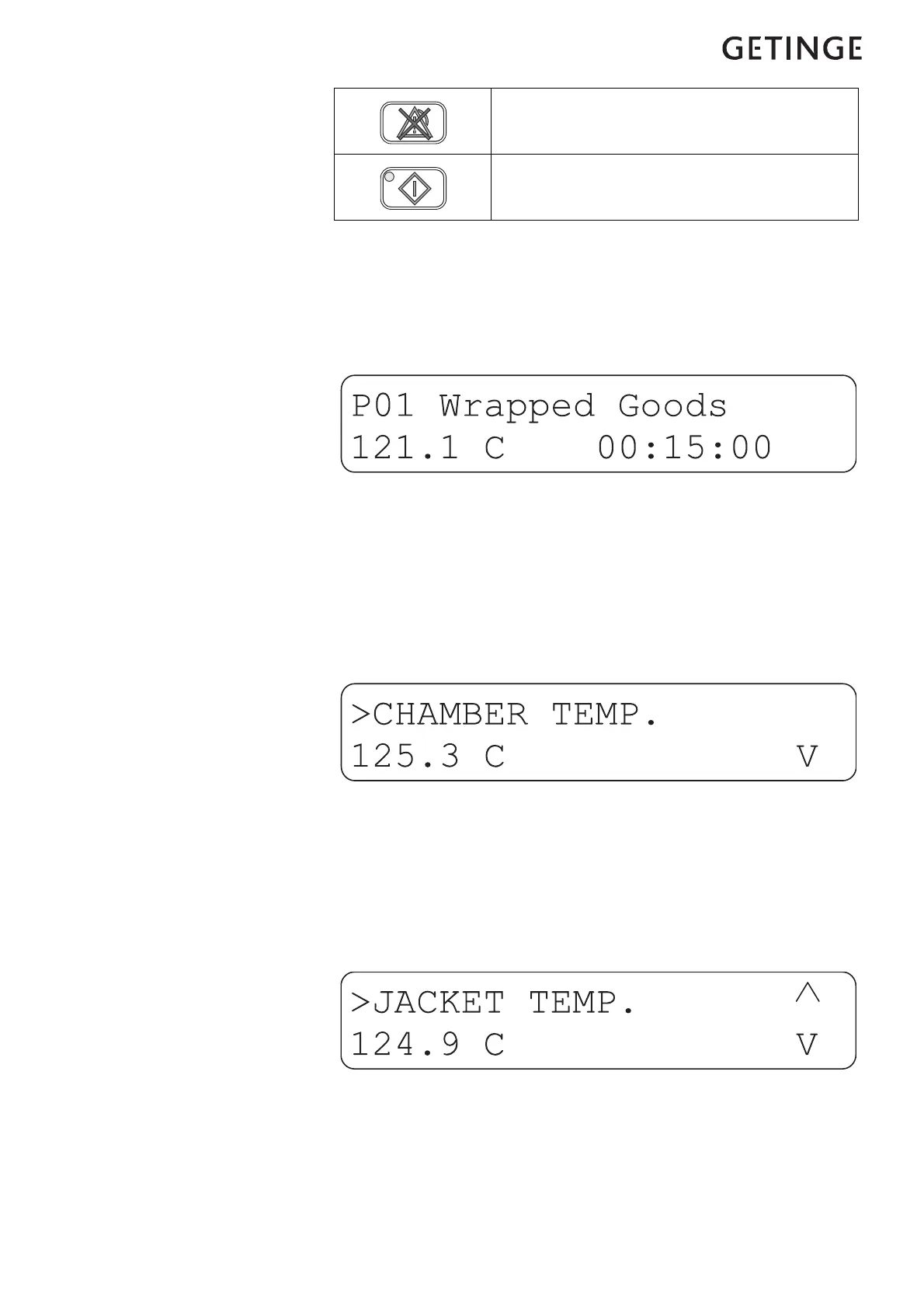
The display window has two lines, each of which can show 20 charac-
ters.
Information messages or fault messages appear on the bottom line,
replacing the text that would otherwise have been displayed there.
Browse menus and lists
You can browse menus and lists with the arrow keys. You either browse
line by line or two lines at a time, depending on what is displayed. The
top line in every list looks like the line in the example below.
The angle “>” on the top line to the left shows which object will be
chosen if you press ENTER. Bottom left there is a “v” which indicates
that there are more objects in the list. To see these, press the down-
arrow.
This is what the display looks like when you are in a list. The “arrows”
on the right show that there are object both above and below the
displayed line.
Reset the alarm.
Start











 To Next Page