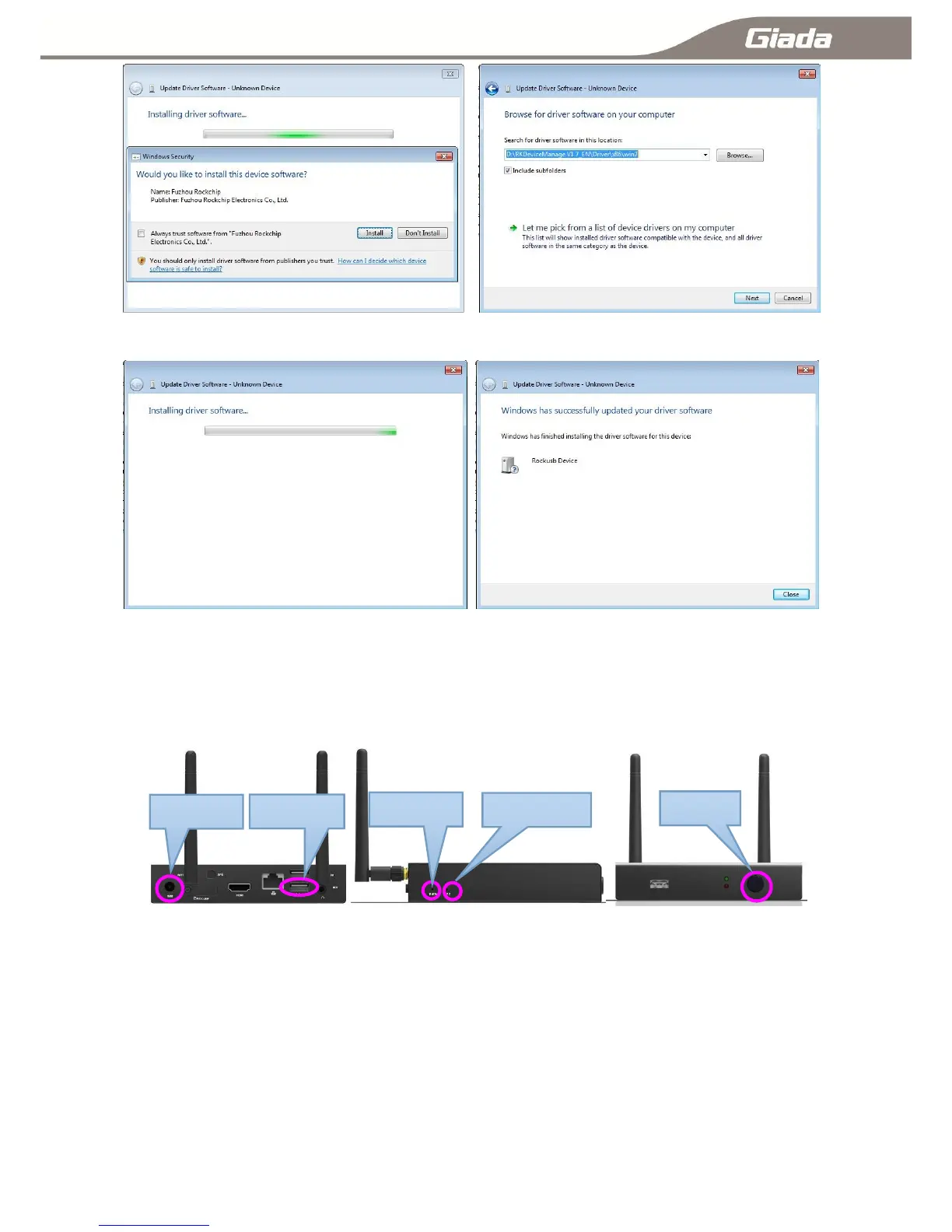
Then system start to install driver automatically till installation is completed.
1-5-C:ARM Digital Signage Interface
1-6:Enable USB debugging:
Step 1: Boot up your ARM based PC, use OTG type USB cable to connect with your PC with PC‘s
USB-OTG connector.
Step 2: Windows will pop up a message to identify with a new hardware。
Step 3: Change settings on your ARM PC to enable USB debugging.
A:Settings>security>USB-OTG Settings disable√
B:Settings>Developer options>USB debugging enable √ as below:



 To Next Page