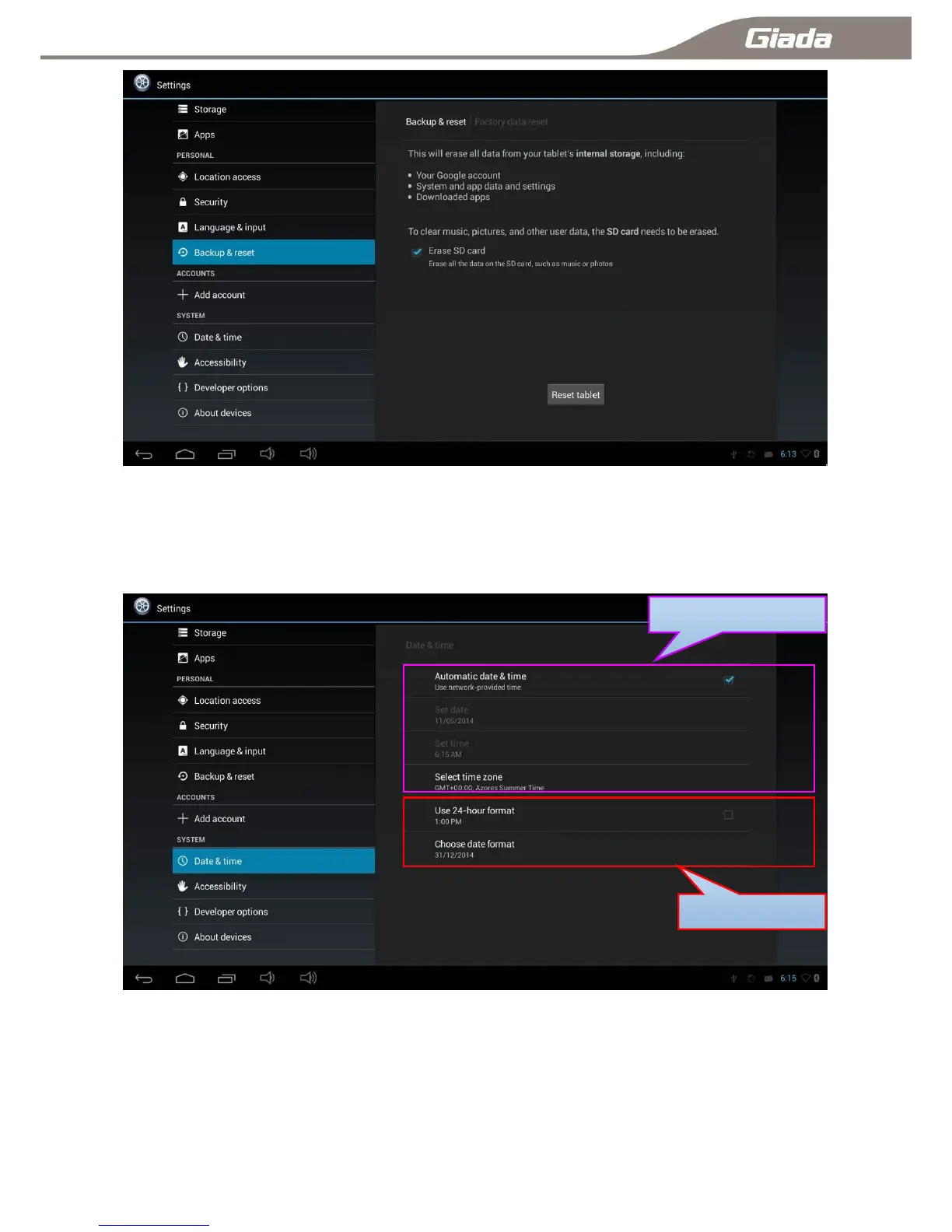
11-15:Date & Time Settings
Click ―Date & Time‖ set the device time,including automatic date &time, Automatic time zone.
Also can be set manually; And set time or date format.
11-16:Accessibility
Click ―Accessibility‖--―Set app when booting‖, you can set applications automatically run at system boot
up, and set font size etc.



 To Next Page