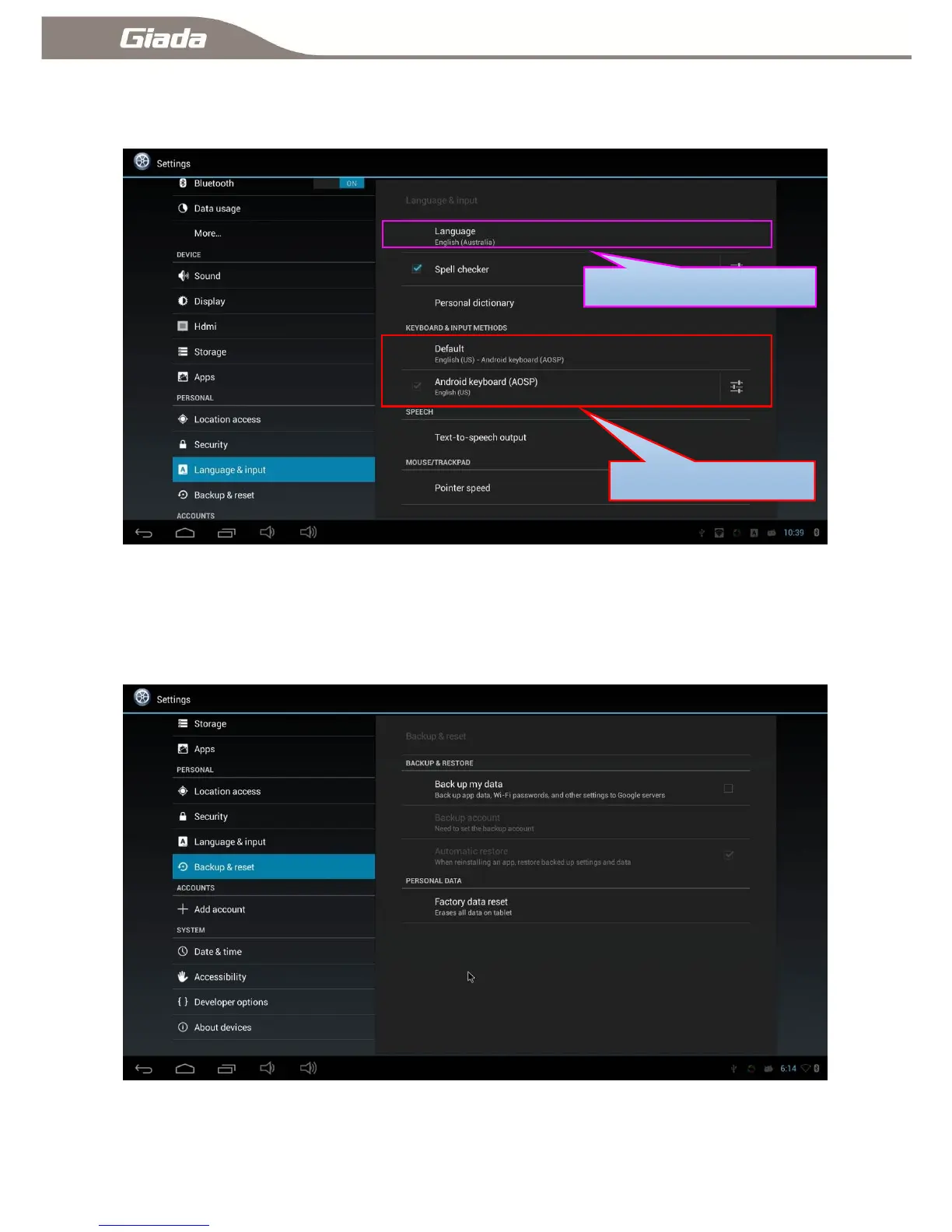
11-13:Language & Input Method Settings
Click ―Language & Input Method‖ to set the system display language, keyboard and input method etc.
11-14:Backup and Reset
Click ―Backup and Reset‖ enter into backup and reset interface, Support to back up you date on
cloud(based on Google's servers). Reset to Factory default, Recovery and erase SD card.



 To Next Page