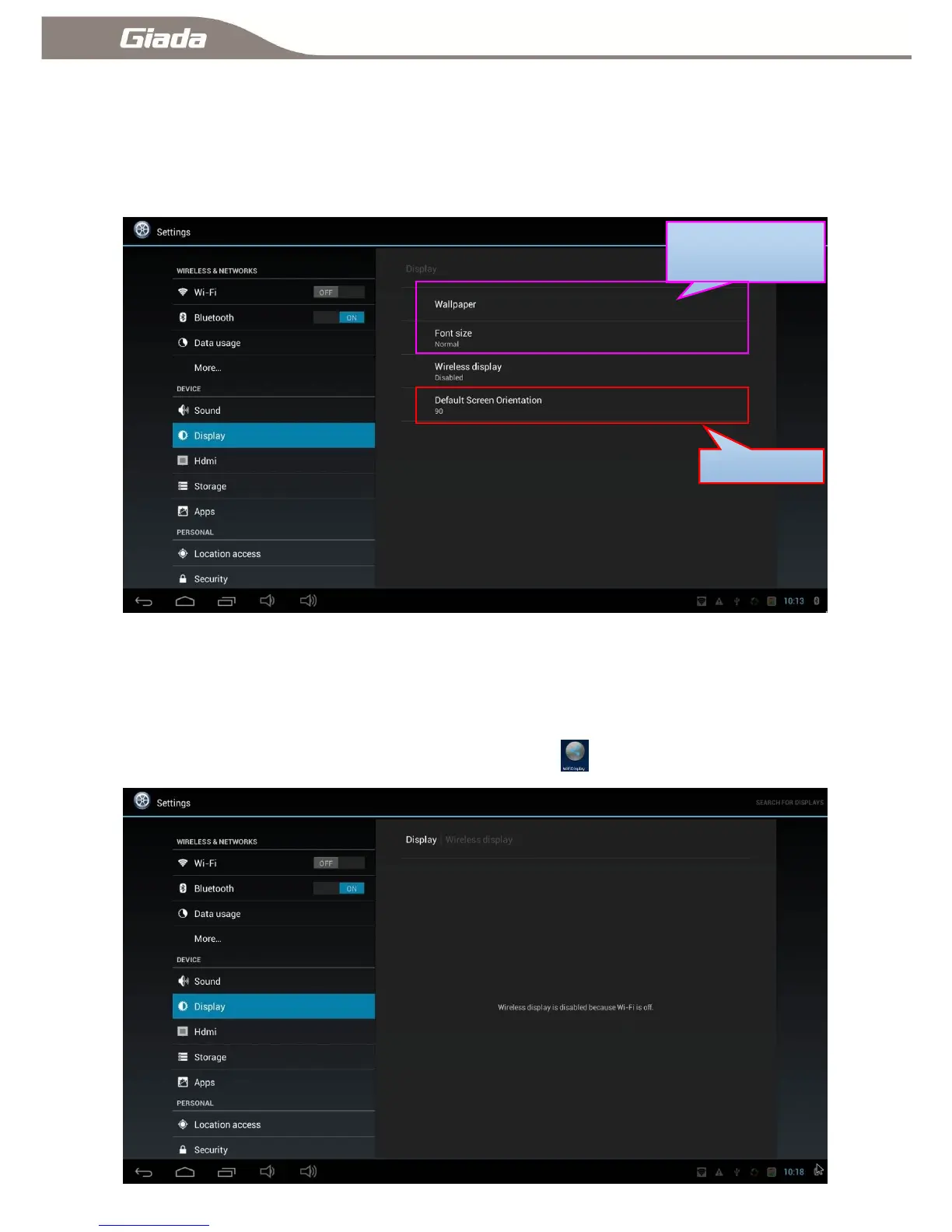
11-7:Display Settings
Click ―Display‖ enter into display setting, You can set your desktop wallpaper, font size, wireless display,
the default orientation of screen.
11-7-A:Wi-Fi Display
The wireless display feature is enabled automatically in Wi-Fi open state, otherwise disabled. If your
device supports the Wi-Fi Display (Wireless Display) function, you can search for and connect to the
device by the the menu or the application interface Wi-Fi Display .



 To Next Page