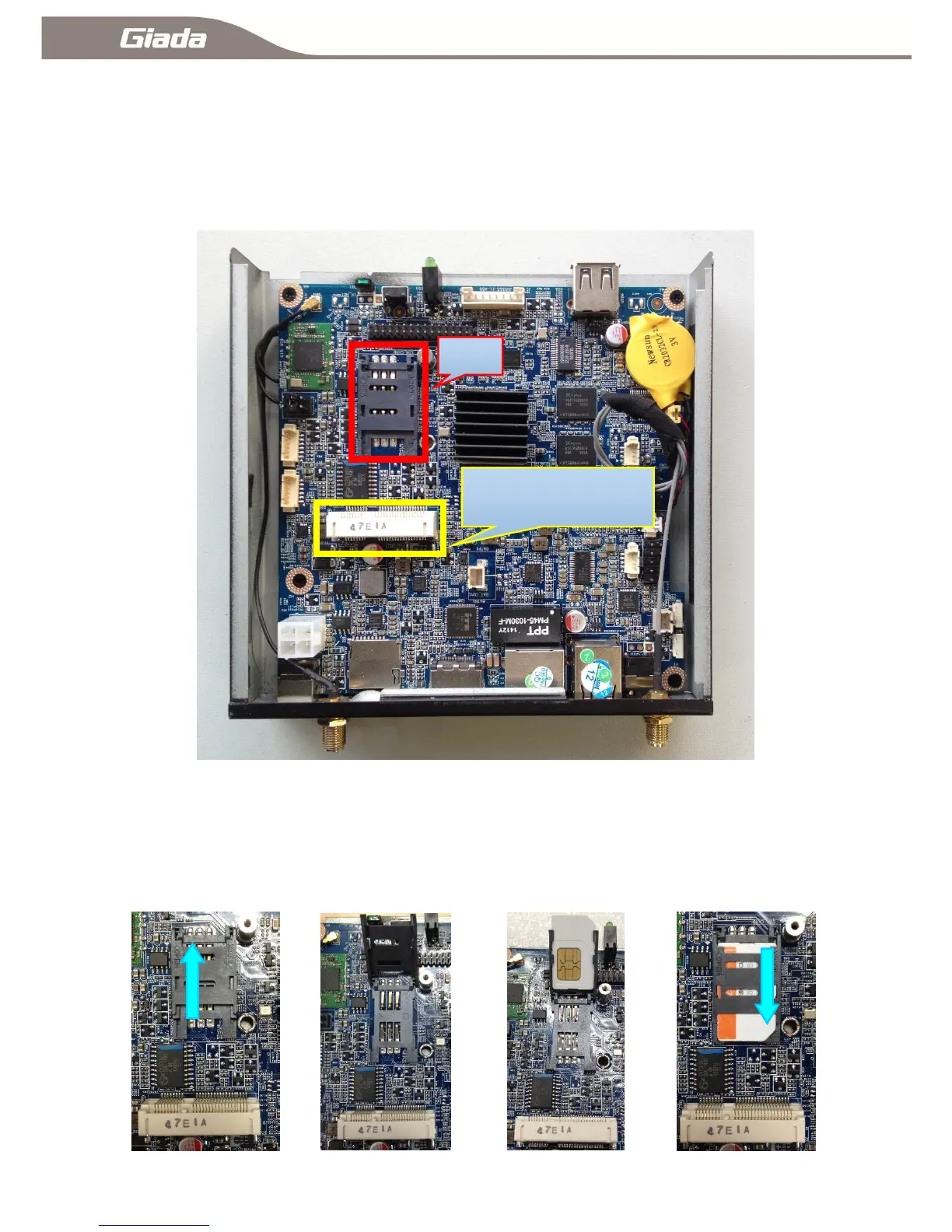
1-3:Installation2G/3G/4G Module
1-3-A:Open the shell
Remove the two screws at the bottom of the machine, you can tear down the shell;As shown one after
the open
one
1-3-B:Installation SIM:
In Figure Two ,Open in the direction of the arrow SIM snaps,As shown in Figure Three,In Figure
Four,Insert the SIM card and the cover snaps,According to LCOK direction lock snaps,As shown in
Figure Five.



 To Next Page