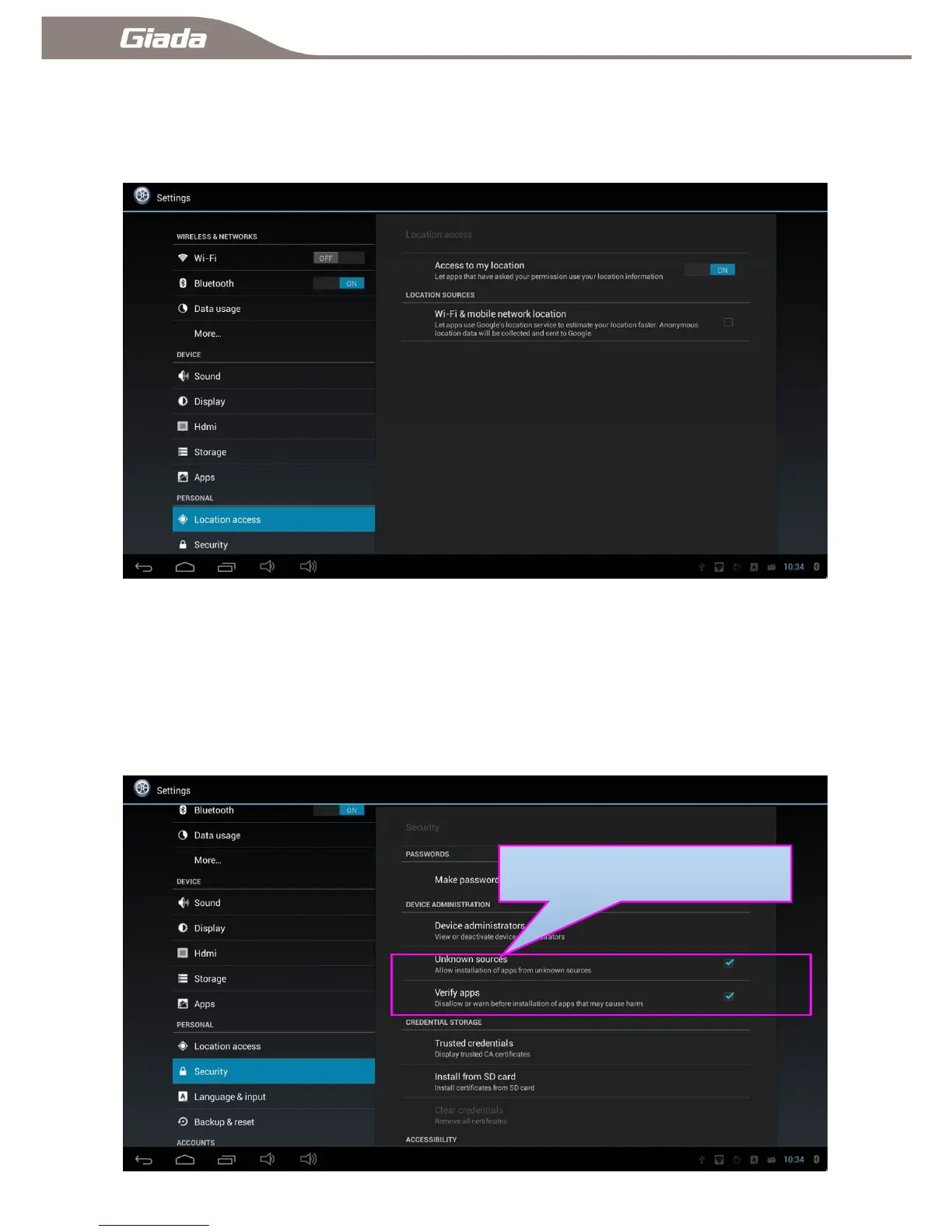
11-11:Location information access
Click ―Location access‖ you can enable or disable location services, positioning includes GPS, Wi-Fi and
mobile networks.
11-12:Security Settings
Click ―security‖ to control the installation of third-party applications AND certificate. Close or open
automatically boot function when reset power (When the device connected to power, system will
automatically boot) and USB-OTG&USB-HOST function ON/OFF.



 To Next Page