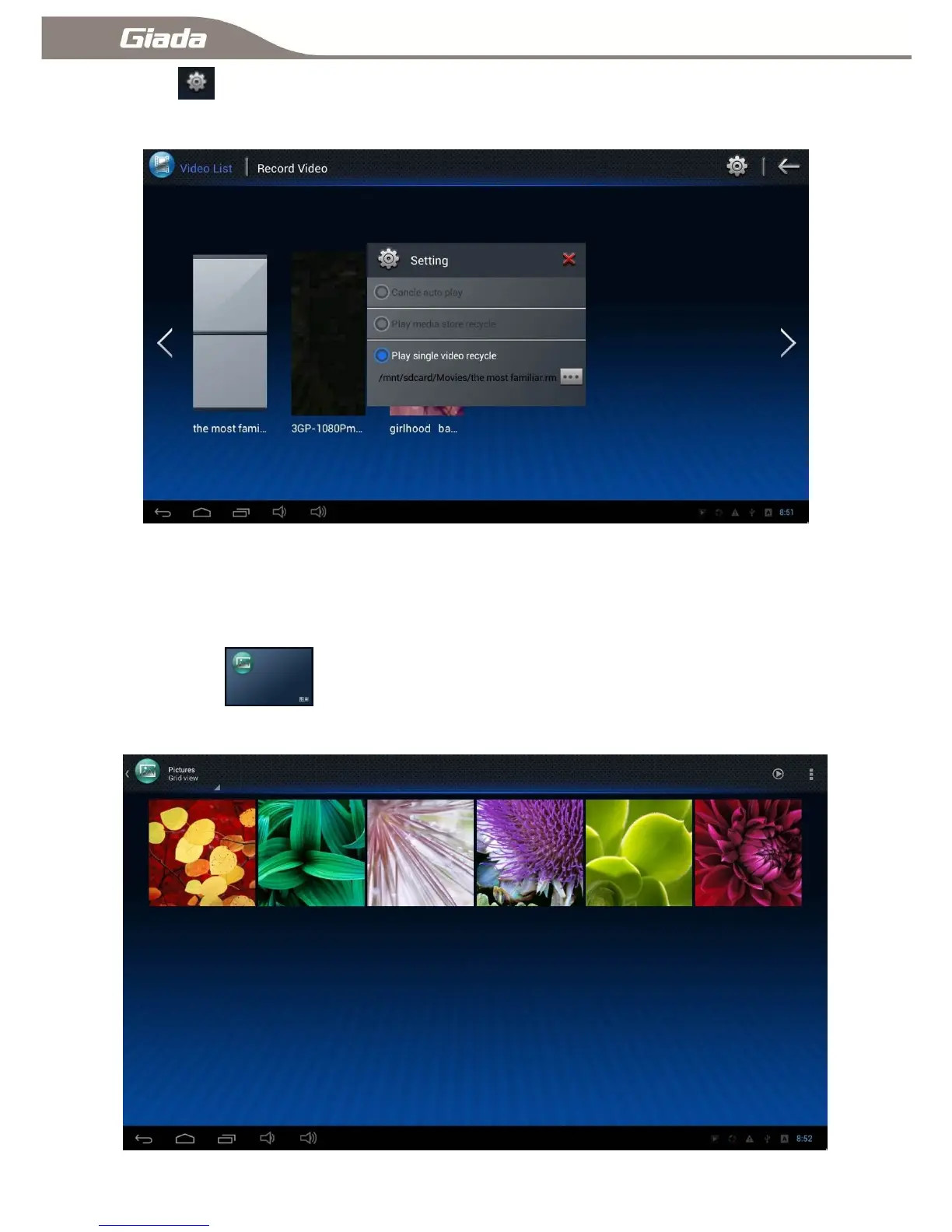
B:Click to enter the main interface of the Boot play video settings,There are three options of
―Cancel auto play‖、―Play media store recycle‖、―Play single video recycle‖;
☆Supported video formats: asf/avi/flv/mov/mpeg1/mpeg2/mpg/
ts/vc/wmv/wmv9/3qp/mkv/mp4.
7:Gallery
Click [Gallery] to enter into the main interface of the gallery, This will automatically scan all
picture files stored on device. Click a picture then browse it.



 To Next Page