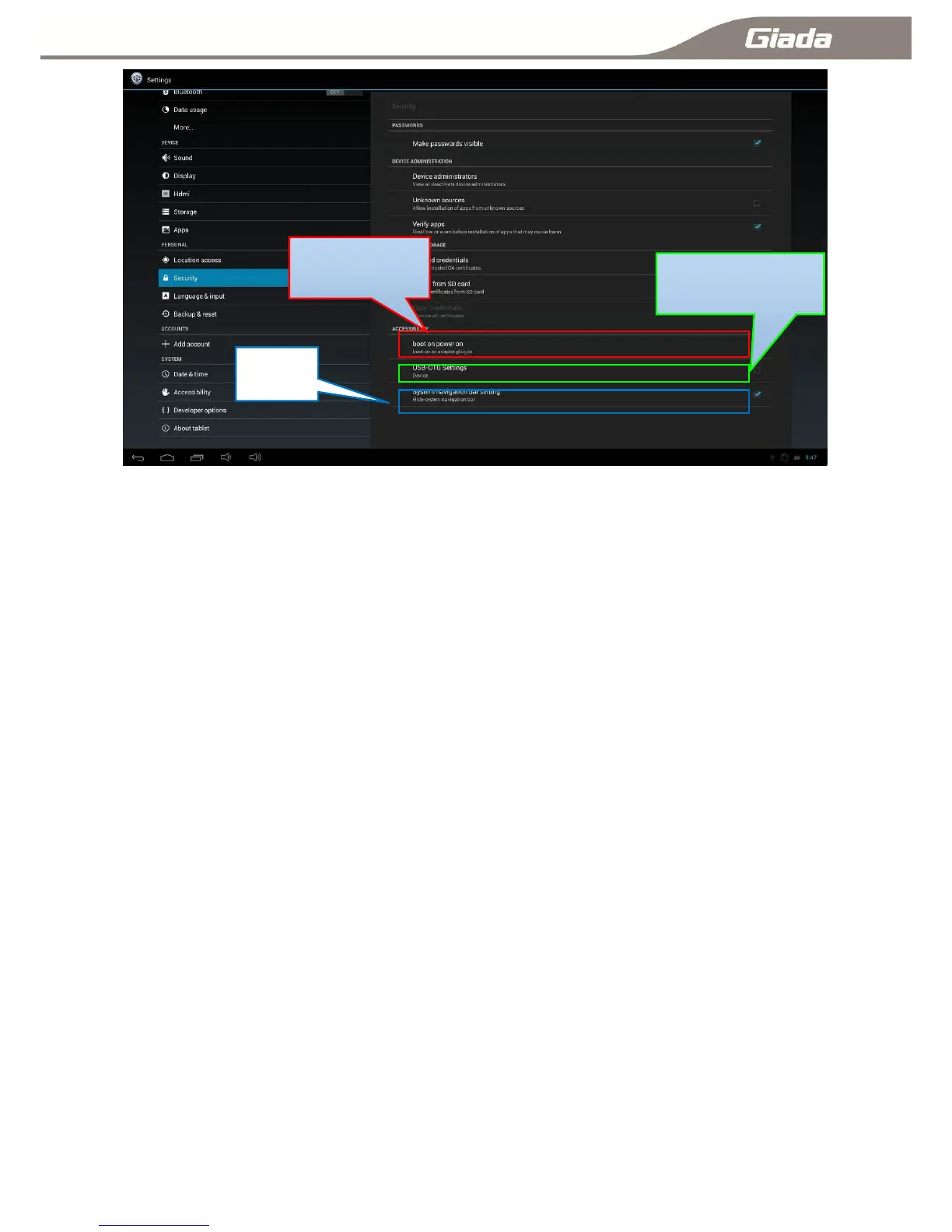
11-12-A:Equipment Management:
Check or deactivate the device manager.
11-12-B:Source Location:
Select this option when you need to install third-party unknown sources APK.
11-12-C:Validation Application:
Proposed installation of a warning when installing third-party unknown sources APK.
11-12-D:Power boot:
Auto Power On When connecting an external power supply,Tick valid, otherwise invalid.
11-12-E:USB-OTG&HOST:
USB-OTG、HOST function selector switch, Tick is HOST(Computer model, You can connect a USB device,
Such as the mouse and keyboard),otherwise is OTG(Device mode, You can connect to x86 PC, and recognizes
ARM PC),the default is HOST.
11-12-F:Hide the taskbar
This function is used to hide / show the taskbar, the taskbar hiding can make the APK full-screen,
Choose to show the taskbar, contrary to hide.



 To Next Page