64
Appendix
Gigaset E490/E495 / AUS / A31008-M2105-C401-2-7619 / appendix.fm / 04.01.2011
Version 4, 16.09.2005
Writing and editing text
The following rules apply when writing text:
u Control the cursor with u v t s.
u Characters are inserted at the cursor posi-
tion.
u Press the star key
*
to show the table
of special characters. Select the required
character, press the display key
§Insert§ to
insert the character at the cursor position.
u The first letter of the name of directory
entries is automatically capitalised, fol-
lowed by lower case letters.
Writing an SMS/names
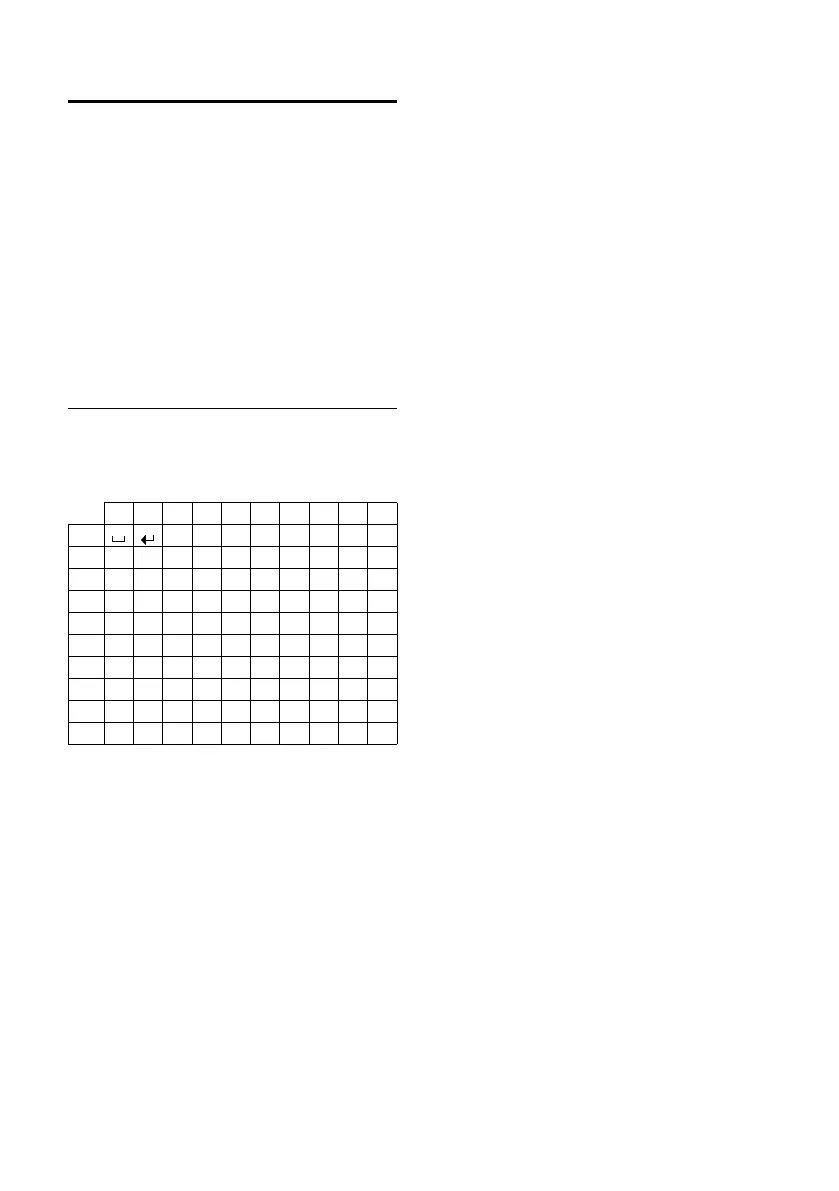
Press the relevant key several times to enter
letters/characters.
Standard characters
1) Space
2) Line break
When you press and hold a key, the charac-
ters of that key appear in the display and are
highlighted one after the other. When you
release the key, the highlighted character is
inserted into the input field.
Setting upper/lower case or digits
Press the hash key # briefly to switch from
"Abc" mode to "123" and from "123" to "abc"
and from "abc" to "Abc" (upper case: 1st let-
ter upper case, all others lower case). Press
the hash key # before entering the letter.
You can see briefly in the display whether
upper case, lower case or digits is selected.
1x 2x 3x 4x 5x 6x 7x 8x 9x 10x
1
2 abc2äáàâãç
3 def3ëéèê
4 gh i4ïíìî
5 jkl5
L mno6öñóòôõ
M pq r s7ß
N tuv8üúùû
O wxy z9ÿ ýæøå
Q .,?!0



 To Next Page