13
First steps
Gigaset E490/E495 / AUS / A31008-M2105-C401-2-7619 / starting.fm / 04.01.2011
Version 4, 16.09.2005
Display in idle status
Once the phone is registered and the time set, the idle display is shown as in this
example. If the answering machine is activated, the answering machine icon ×
will also be displayed in the header.
If Eco Mode + (
¢ page 44) is not activated, the top left of the display shows the
quality of the radio contact between the base station and handset:
u Good to poor: ÐiÑÒ
u No reception: | flashes
Your answering machine is set with a pre-recorded announcement.
Your phone is now ready for use!
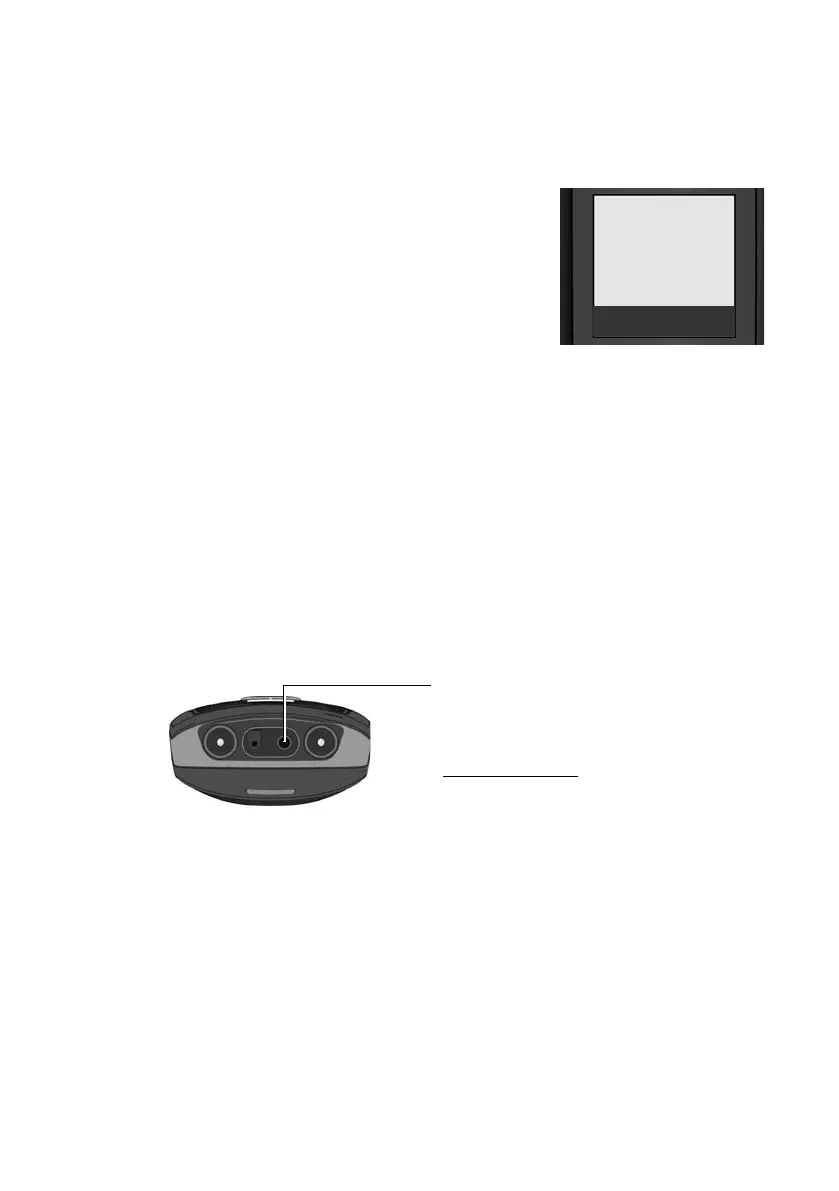
Connecting the headset
After removing the rubber cover, you can
connect a headset to the underside of your
telephone with the 2.5 mm jack connector.
See the relevant product page at
www.gigaset.com
for information on
recommended headsets.
After using the headset, always replace the
rubber cover.
Displays
¼ Eco Mode + activated (¢page 44)
½ Eco Mode activated (¢page 44)
Charge status of the batteries:
= e V U (flat to full)
= flashes: batteries almost flat
INT 1 Internal name of the handset
(
¢ page 48)
¼½V
INT 1
01.10.09 07:15
INT SMS



 To Next Page