Template Module, Version 2, 20.02.2020,
Directory
Gigaset E720-E720A / LUG_Kombi CH en / A31008-M2903-F101-1-2X19 / directory.fm / 4/21/20
34
Copying the entire directory
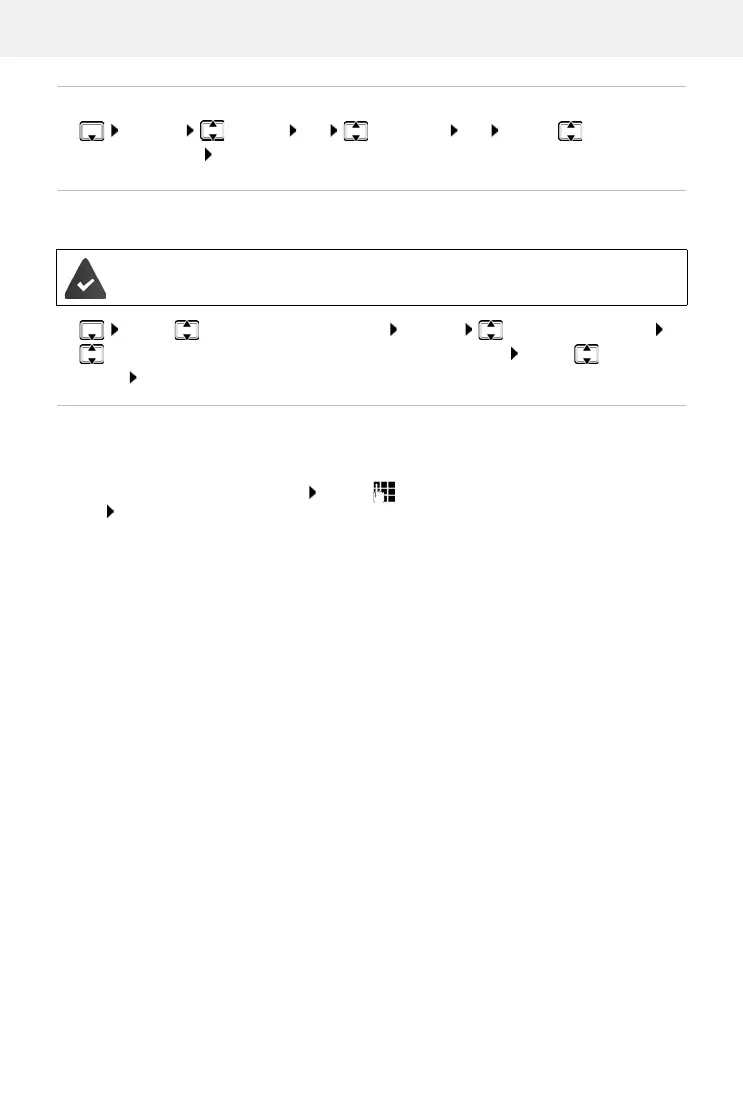
¤ Options Copy all OK to Internal OK . . . use to select the
receiving handset OK . . . the entries are copied one after the other
Copying a vCard using Bluetooth
Copy directory entries in vCard format, e.g. to exchange entries with a mobile phone.
Receiving a vCard using Bluetooth
If the sending device is not in the list: . . . use to enter the PIN of the sending Bluetooth
device OK
. . . the copied vCard is available as a directory entry
Bluetooth mode is activated
T
he other handset/mobile phone supports Bluetooth.
¤ . . . use to select an entry if needed Options Copy entry / Copy all
vCard via Bluetooth
. . . the Known Devices list is displayed . . . use to select
device OK
If a device in the Known Devices list sends a vCard to your handset, a directory entry is automat-
ically created and a message is shown in the display.



 To Next Page