Gigaset E720-E720A / LUG_Kombi CH en / A31008-M2903-F101-1-2X19 / applications_1.fm / 4/21/20
Template Module, Version 2, 20.02.2020
Calendar
51
Calendar
You can remind yourself of up to 30 appointments.
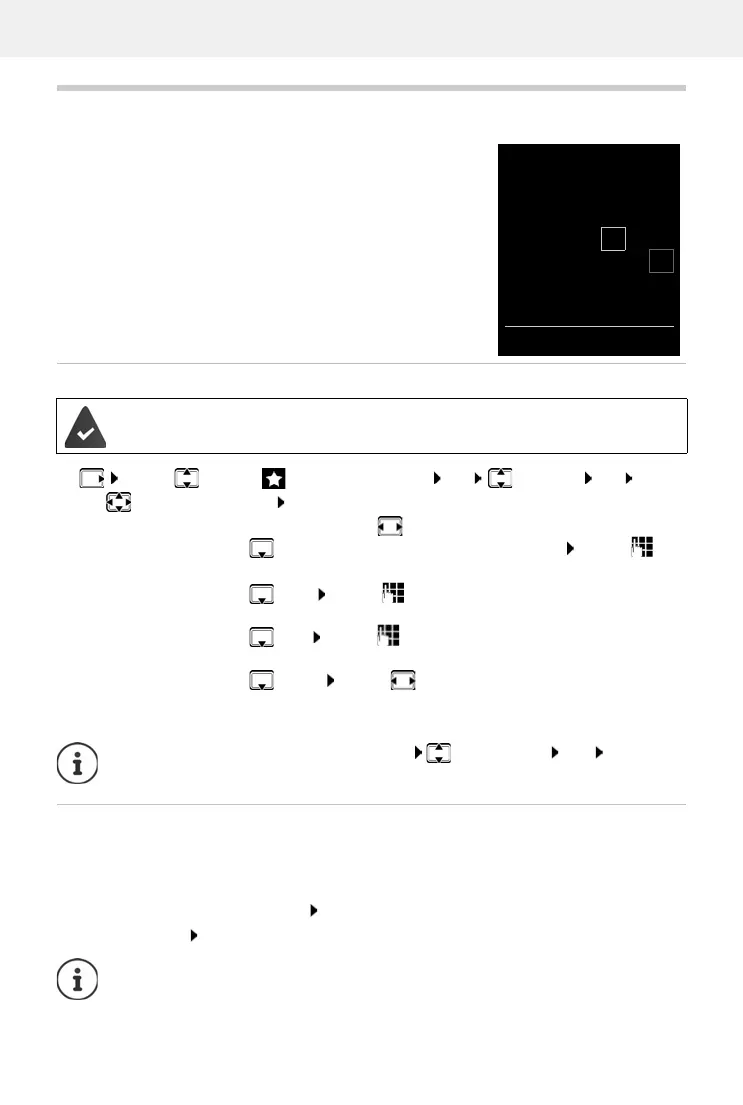
In the calendar, the current day is outlined in white; on days with
appoin
tments, the numbers are displayed in colour. When a day
is selected, it will be outlined in colour.
Saving appointments to the calendar
Notification of appointments/anniversaries
Anniversaries are transferred from the directory and displayed as an appointment. An
appointment/anniversary is displayed in idle status and the selected ringtone plays for
60 seconds as a notification.
Acknowledge and stop the reminder: Press the display key OF
F
Respond with SMS: Press the display key SM
S . . . the SMS menu is displayed
Date and time have been set.
¤ . . . use to select Additional Features OK Calendar OK . . .
use to select desired day OK . . . then
Switch on/off:
¤ Activation: . . . use to select On or Off
Enter date:
¤ Date . . . the selected day has been pre-set . . . use to
enter new date
Enter time:
¤ Time . . . use to enter hours and minutes of the
appointment
Set name:
¤ Text . . . use to enter a description of the appointment
(e.g. evening meal, meeting)
Set alarm tone:
¤ Signal . . . use to select the melody of the reminder
alarm or deactivate the acoustic signal
Save appointment:
¤ Save
If an appointment has already been entered: <New Entry> OK . . . Then
enter information for the appointment.
During a call, a reminder is indicated on the handset once with an advisory tone on the
handset.
June 2020
Mo Tu We Th Fr Sa Su
01 02 03
04 05 06 07 08 09 10
11 12 13 14 15 16 17
18 19 20 21 22 23 24
25 26 27 28 29 30
Back OK



 To Next Page