Gigaset E720-E720A / LUG_Kombi CH en / A31008-M2903-F101-1-2X19 / applications_1.fm / 4/21/20
Template Module, Version 2, 20.02.2020
Direct dial for emergencies
47
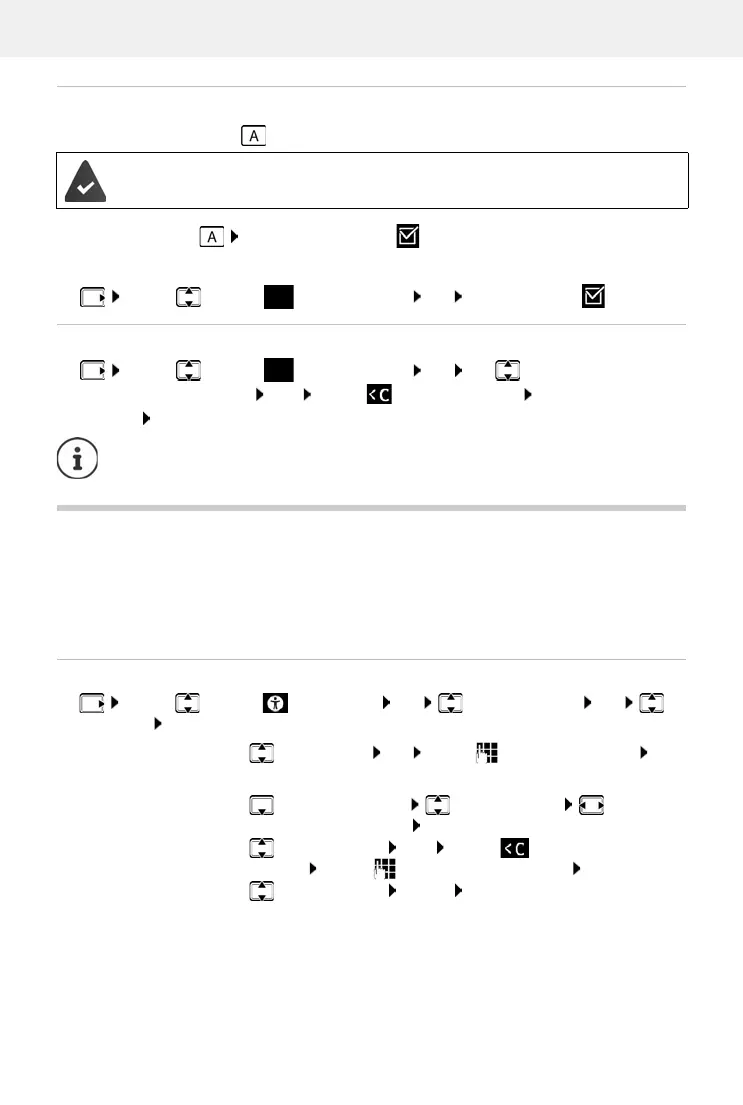
Activating/deactivating the emergency call function
Enabling with the SOS key
¤ Press the SOS key Emergency Call : Edit ( = enabled)
Enabling/disabling from a menu
Changing/deleting an emergency number
Direct dial for emergencies
Specify up to 15 numbers that are put through automatically when a call is made. You can talk
to the caller using the handsfree function on your handset without having to accept the call.
Define a direct dial PIN for the direct dial function. This is
required by the caller for direct dialling.
It must also be entered when the function is enabled and disabled.
Entering/editing/deleting call numbers
¤ . . . use to select Accessibility OK Supervision Call OK
White List OK
The function is deactivated. At least one SOS number has been entered.
¤ . . . use to select Emergency Call OK Activation: Edit ( = activated)
¤ . . . use to select Emergency Call OK use to select the emergency
number (SOS 1: - SOS 4: ) Edit . . . use to delete the entry Enter a new number if
required Save
If no valid numbers are entered, the Emergency Call function is automatically
deactivated.
Enter the number:
¤ <New Entry> OK . . . use to enter the number Save
or:
¤ Open the directory Select the entry Select the
call number as required OK
Change entry:
¤ Select the entry Edit . . . use to delete the existing
number . . . use to enter the new number Save
Delete entry:
¤ Select the entry Delete Confirm deletion with Ye s



 To Next Page