Template Module, Version 2, 20.02.2020,
Set fast access for the answer machine
Gigaset E720-E720A / LUG_Kombi CH en / A31008-M2903-F101-1-2X19 / answering_m_A.fm / 4/21/20
44
Set fast access for the answer machine
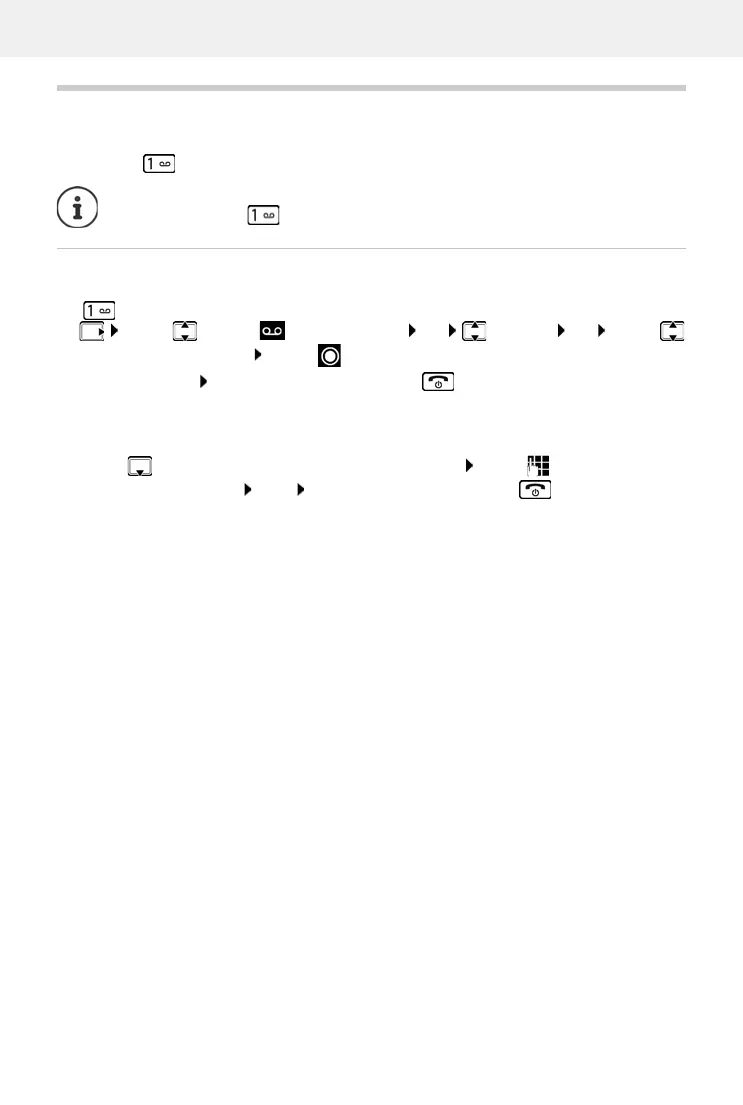
It is possible to call a network mailbox or the telephone's local answer machine directly by
pressing key .
Assigning key 1 / Changing assignment
Settings for the fast access are device-specific. A different answer machine can be assigned to
key on each registered handset.
Return to idle status: Press and hold the End call key
Network mailbox
If no number has yet been saved for the network mailbox:
¤ . . . use to make a change in the line Network Mailbox . . . use to enter the number
of the network mailbox Save Press and hold the End call key (idle status)
For systems without a local answer machine
, the network mailbox is automatically
connected with key .
¤ . . . use to select Answer Machine OK Set Key 1 OK . . . use
to select answer machine Select ( = selected)



 To Next Page