Template Module, Version 2, 20.02.2020,
Bluetooth
Gigaset E720-E720A / LUG_Kombi CH en / A31008-M2903-F101-1-2X19 / applications_2.fm / 4/21/20
66
Bluetooth
The handset is able to use Bluetooth™ to communicate wirelessly with other devices that also
use this technology, e.g. to connect a Bluetooth headset or hearing aid.
The following devices can be connected:
• A Bluetooth headset or hearing aid
It may take 5 seconds to establish a connection to the headset, whether a call is accepted
using
the headset or transferred to the headset, or a call is made from the headset.
• Up to 5 data devices (PCs, tablets or mobile phones) for the transmission of address book
entries as a vCard or for the exchange of data with the computer.
In order for telephone numbers to be used further
, the area code (international and local area
code) must be saved to the telephone.
Operating Bluetooth devices device user guides
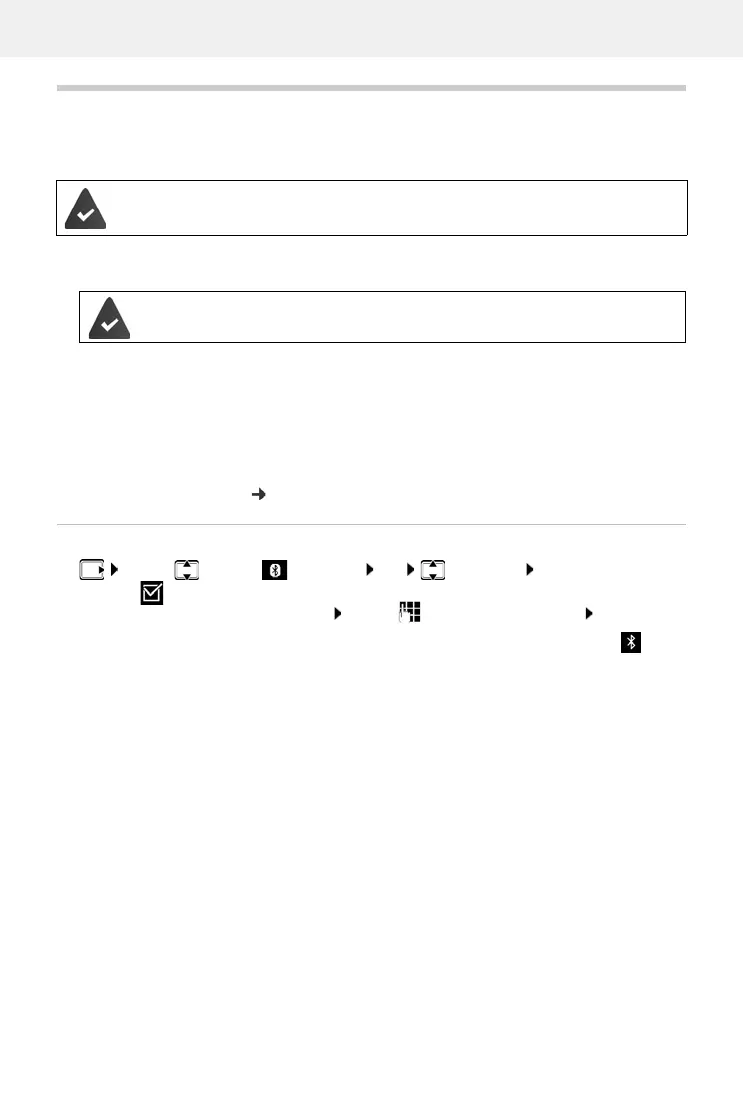
Activating/deactivating Bluetooth mode
If the local area code is still not saved: . . . use to enter local area code OK
When in idle status, the activated Bluetooth mode is
indicated on the handset by the icon.
Bluetooth is activated and the devices have been registered to the handset.
The headset / hearing aid has the Headset or Handsfree profile. If both profiles
are available, the handsfree profile is used to communicate.
¤ . . . use to select Bluetooth OK Activation
Change ( = activated)



 To Next Page