Gigaset E720-E720A / LUG_Kombi CH en / A31008-M2903-F101-1-2X19 / applications_1.fm / 4/21/20
Template Module, Version 2, 20.02.2020
Timer
53
Timer
Setting the timer (countdown)
The timer starts the countdown. In the idle display, icon and the remaining hours and
minutes are displayed until one minute is left.
From this point, the remaining seconds are
counted down. At the end of the countdown, the alarm is triggered.
Disabling/repeating the alarm
Alarm clock
Activating/deactivating the alarm clock and setting the wake-up time
When the alarm clock is activated, the icon and the wake-up time are displayed in idle
display.
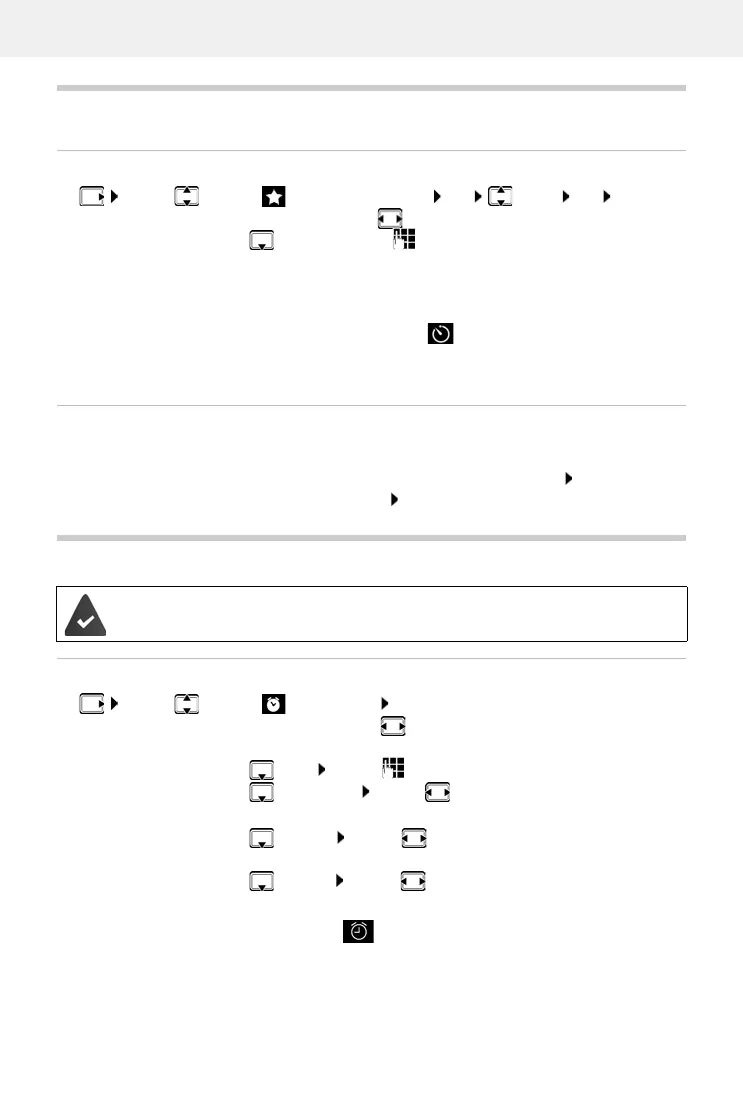
¤ . . . use to select Additional Features OK Timer OK . . . then
Enable/disable:
¤ Activation: . . . use to select On or Off
Set the duration:
¤ Duration . . . use to enter the hours and minutes for the
timer
Min.: 00:01 (one minute); Max.: 23:59 (23 hours, 59 minutes)
Save the timer:
¤ Save
Switch off the alarm:
¤ OFF
Repeat the alarm:
¤ Restart . . . the timer display is displayed again set another
duration as required Save . . . the countdown is restarted
Date and time have been set.
¤ . . . use to select Alarm Clock OK . . . then
Switch on/off:
¤ Activation: . . . use to select On or Off
Setting the wake-up time:
¤ Time . . . use to enter hours and minutes
Set days:
¤ Occurrence . . . use to switch between Monday-Friday
and Daily
Set the volume:
¤ Volume . . . use to set volume in 5 levels s or select
crescendo (increasing volume)
Set alarm:
¤ Melody . . . use to select a ringtone for the alarm
Save settings:
¤ Save



 To Next Page