Template Module, Version 2, 20.02.2020,
Emergency call
Gigaset E720-E720A / LUG_Kombi CH en / A31008-M2903-F101-1-2X19 / applications_1.fm / 4/21/20
46
Setting up emergency call
In order to be able to use the function you must
• save the emergency numbers and
• activate the emergency function.
Storing emergency numbers
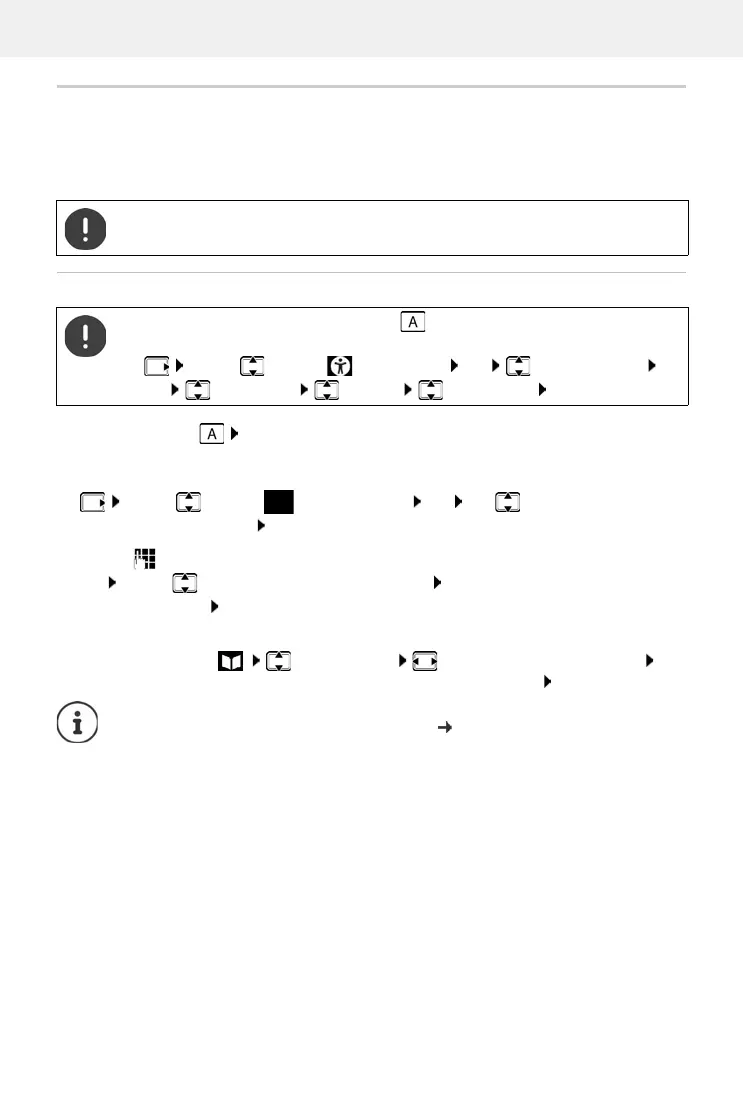
¤ Press the SOS key Edit . . . the No SOS No. available message is shown and the
handset switches to input mode for an emergency number
or
¤ . . . use to enter the first name and/or last name and the number for the emergency
call . . . use to toggle between the entry fields Save . . . the emergency call is auto-
matically activated enter more emergency numbers if required
The police, ambulance service or fire service must not be used for an emergency call.
To set up the emergency call, the SOS key must be not be assigned a direct dial
number. Delete the key assignment as required.
¤ . . . use to select Accessibility OK Direct Dial Keys
OK Select key A Options Delete entry OK
¤ . . . use to select Emergency Call OK use to select the emergency
number (SOS 1: - SOS 4: ) Edit
or select from the directory:
¤ Press the display key Select an entry Select the number as required OK
. . . call number, first name and last name are taken from the directory Save
If your telephone is connected to a PABX, you must enter the access code (outside line
code) as the first digit of your entry, if necessary (
user guide of your PABX).
You should carry out a test run to ensure that the emergency function has been
correctly set up.



 To Next Page