Template Module, Version 2, 20.02.2020,
Direct dial for emergencies
Gigaset E720-E720A / LUG_Kombi CH en / A31008-M2903-F101-1-2X19 / applications_1.fm / 4/21/20
48
Enabling/disabling direct dial
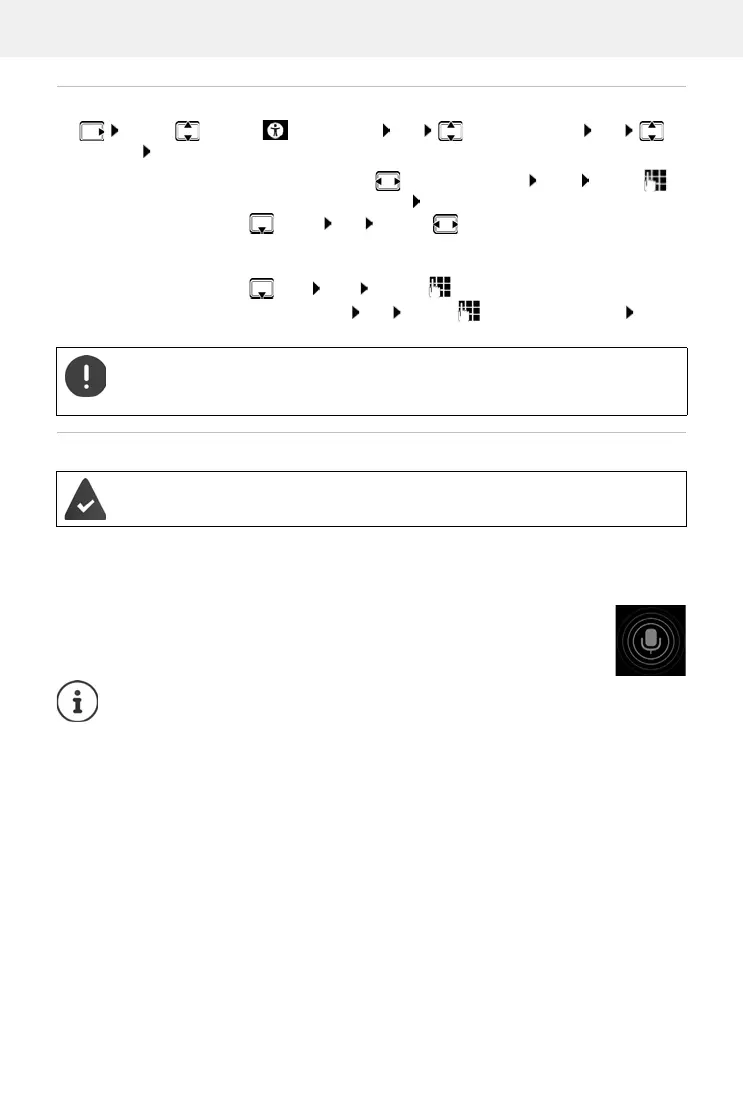
¤ . . . use to select Accessibility OK Supervision Call OK
Settings OK
Process
• The caller dials the number. The caller is prompted to enter the direct dial PIN.
• The caller enters the direct dial PIN.
• Direct dial PIN incorrect: the call is ended immediately.
• Direct dial PIN correct: the call is put through. The handset handsfree function is
enabled. The display shows a red microphone icon.
• Both people are able to talk to each other using the handsfree function.
Enable/disable:
¤ Activation: . . . use to select On or Off Save . . . use to
enter the direct dial PIN OK
Set the delay time:
¤ Delay OK . . . use to set the delay time
(between 5 and 120 seconds) after which the call is put through
Set the direct dial PIN:
¤ PIN: Edit . . . use to enter the current PIN
(default: 0000) OK . . . use to enter the new PIN OK
Save settings:
¤ Save
When the answering machine is switched on, the delay time must be shorter that the
time set for the Ring Delay of the answering machine. Direct dial is no longer possible
once the answering machine has accepted a call.
Supervision Call is enabled, a direct dial PIN is specified. The caller is entered as an
approved caller and knows the current direct dial PIN.
The call is ended automatically after two and a half minutes (if one of the people does
not put down the phone). The caller may need to call again.
For security reasons, the phone is sensitive when interpreting the direct dial PIN. Trans-
mission fluctuations in the phone network can mean the PIN is not recognised. If a call
is cancelled, try again.



 To Next Page