Template Module, Version 2, 20.02.2020,
Accessibility features
Gigaset E720-E720A / LUG_Kombi CH en / A31008-M2903-F101-1-2X19 / applications_1.fm / 4/21/20
50
LED call signal
If the function is enabled, the signal light at the top of the handset flashes red for an incoming
call.
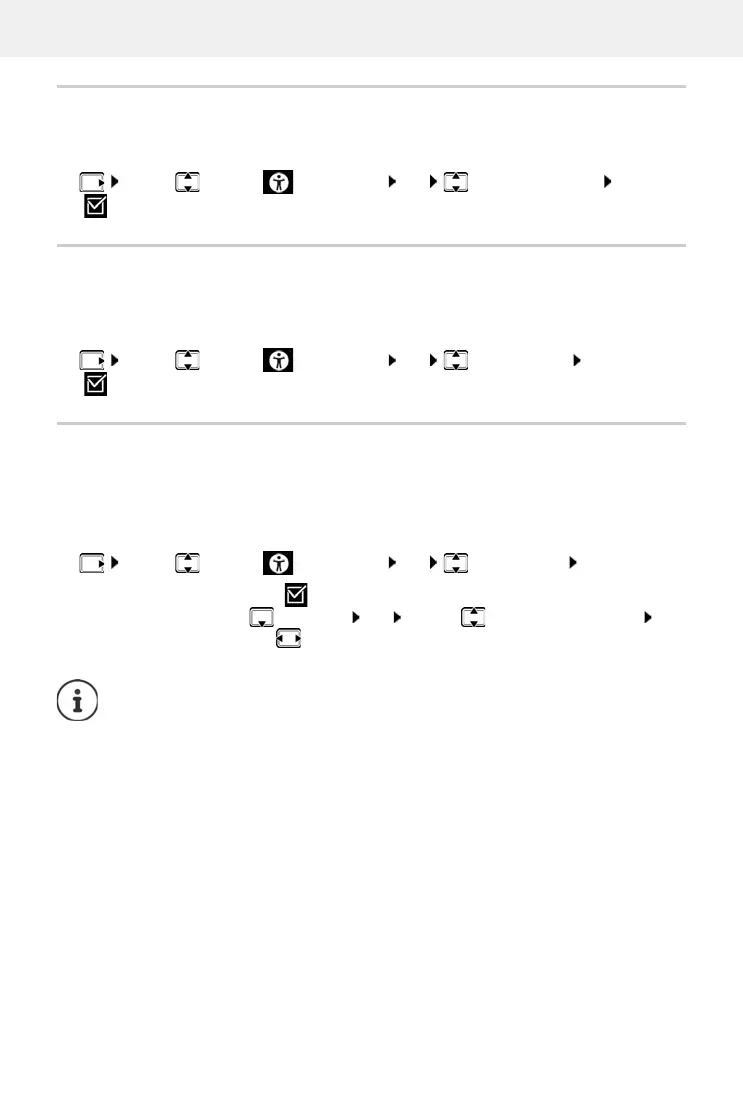
¤ . . . use to select Accessibility OK Signal Call via LED Edit
( = enabled)
Serious callers
If this function is enabled, all calls from contacts entered in the handset directory are signalled
noticeably by a green display background that is visible from a long way away. Other calls are
displayed with a black or white background depending on the colour scheme selected.
¤ . . . use to select Accessibility OK Trusted Caller Edit
( = enabled)
Simple menu
Decide yourself which functions are displayed in the menu. You can show and hide the following
submenus:
Handset Directory, C
all Lists, Answer Machine, Emergency Call, Alarm Clock, Audio Settings,
Settings, Bluetooth, Additional Features, Select Services, Accessibility, SMS
¤ . . . use to select Accessibility OK Simple Menu OK
Enable/disable:
¤ Edit ( = enabled)
Hide/show function:
¤ Menu List OK . . . use to select the submenu . . .
use to select Show/Hide
Save the selection:
¤ Save
When you hide Accessibility, Simple Menu is displayed instead in the menu. So you
can change your settings for the menu at any time.



 To Next Page