Gigaset E720-E720A / LUG_Kombi CH en / A31008-M2903-F101-1-2X19 / applications_2.fm / 4/21/20
Template Module, Version 2, 20.02.2020
SMS (text messages)
61
SMS message list
The incoming SMS message list contains all the received SMS messages and those SMS
messages that could not be sent due to an error.
New SMS messages are indicated on all Gigaset handsets by the icon on the display, the
flashing Message key and an advisory tone.
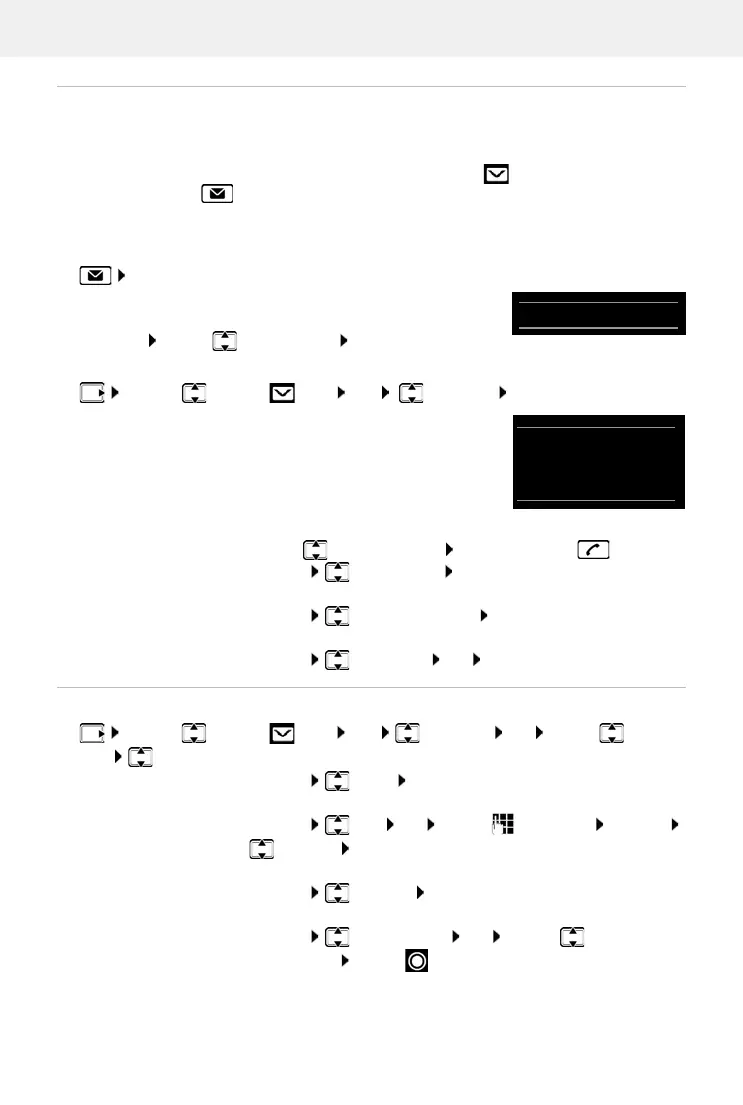
Open the SMS message list
With the Message key:
• . . . the messages list is opened
The messages list shows the number of SMS messages it
contai
ns: bold = new messages, no
t bold = read messages
Open list: . . . use to select SMS
: OK
Every entry in the list contains:
• the number or name of the sender,
• arrival date and time.
Functions of the incoming message list
Reading and managing SMS messages
Via the SMS menu:
¤ . . . use to select SMS OK Incoming OK
Call the sender of the SMS:
¤ . . . use to select an SMS Press the Talk key
Delete an entry:
¤ Options Delete entry OK
Save the number in the directory:
¤ Options Copy to Directory OK
Delete all entries in the SMS message list:
¤ Options Delete List OK Ye s
¤ . . . use to select SMS OK Incoming OK . . . use to select
SMS Read . . . possible options:
Answer SMS:
¤ Options Reply OK
Edit SMS text and send to recipient of your choice:
¤ Options Edit OK . . . use to edit text Options
Forward OK
Forward SMS to recipient of your choice:
¤ Options Forward OK
Display text in a different character set:
¤ Options Character Set OK . . . use to select
character set Select ( = selected)
0123727859362922
10/02/20 09:07



 To Next Page