Template Module, Version 2, 20.02.2020,
Bluetooth
Gigaset E720-E720A / LUG_Kombi CH en / A31008-M2903-F101-1-2X19 / applications_2.fm / 4/21/20
68
Rejecting/accepting a non-registered Bluetooth device
If a Bluetooth device that is not registered in the list of known devices tries to connect to the
handset, a prompt will appear asking you to enter the PIN of the Bluetooth device (Bonding).
Changing the Bluetooth name of the handset
The handset is shown by this name on another Bluetooth device.
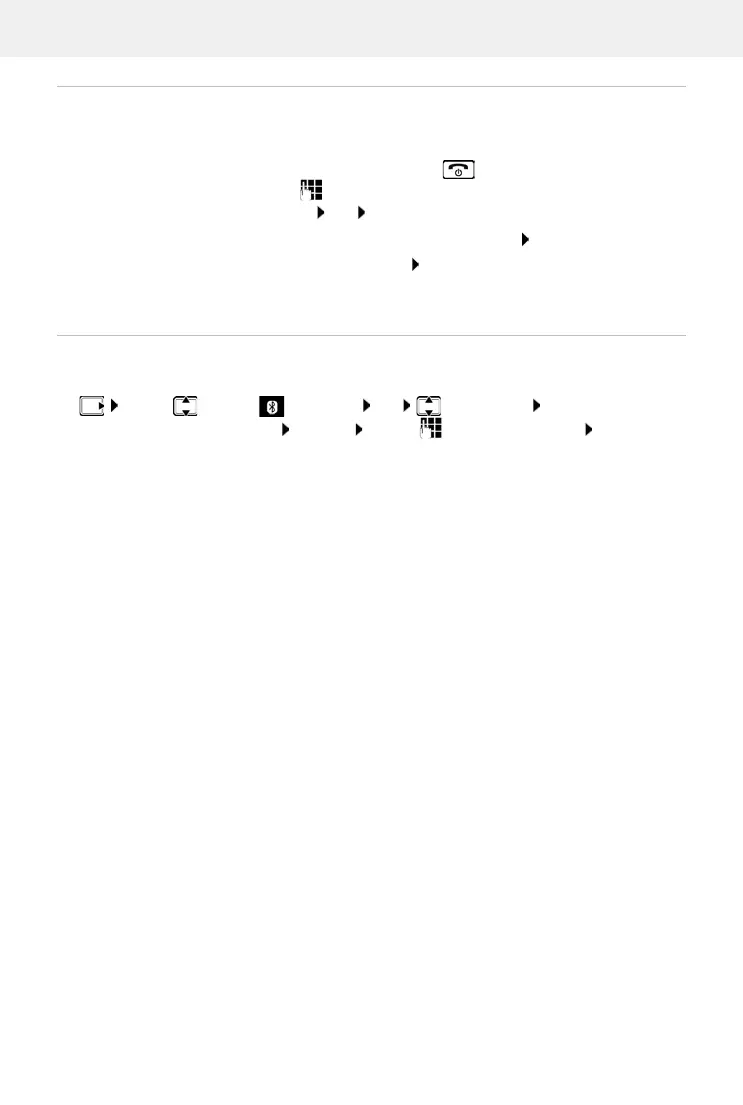
Reject: ¤ Briefly press the End call key
Accept:
¤ . . . use to enter the PIN of the Bluetooth device to be
accepted OK . . . Wait for PIN confirmation . . . then
Add the device to the list of known devices: Ye
s
use the device temporarily: No
. . . the Bluetooth connection can be
used, as long as the device is located
within transmission range or until
it is switched off
¤ . . . use to select Bluetooth OK Own Device OK . . . the name and
the device address are shown Change . . . use to change the name Save



 To Next Page