Template Module, Version 2, 20.02.2020,
Multiple handsets
Gigaset E720-E720A / LUG_Kombi CH en / A31008-M2903-F101-1-2X19 / extending.fm / 4/21/20
70
Registering a handset to multiple base stations
Your handset can be registered to up to four base stations. The active base station is the base
station to which the handset was last registered. The other base stations remain saved in the list
of available base stations.
De-registering the handset
If the handset is still registered to other bases, it switches to the base with the best reception
(Best Base).
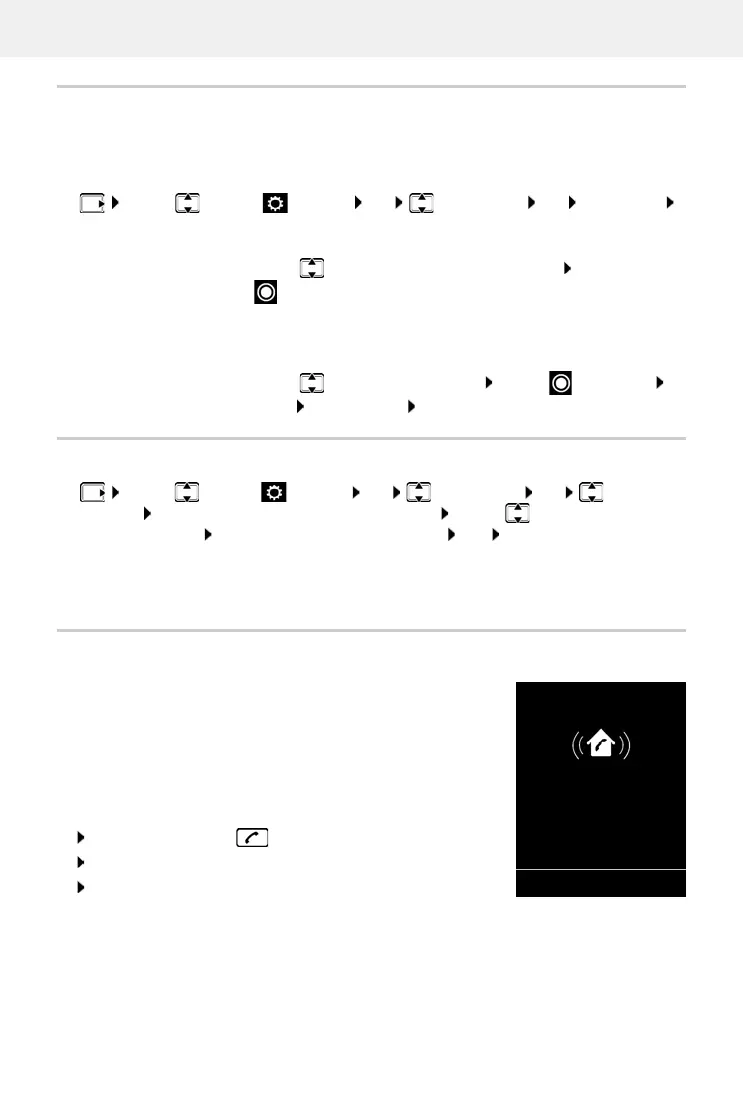
Locating a handset (Paging)
¤ Briefly press the Registration/paging key on the base station.
All handsets will ring at the same time (paging), ev
en if ringtones are
switched off. Exception: handsets on which the baby monitor is
activated.
Ending the search
¤ Briefly press the registration/paging key on the base station
or Press the End call key on the handset
or Press the display key Sil
ence on the handset
or No action. After approx. 30 seconds, the paging call will end
automatically.
¤ . . . use to select Settings OK Registration OK Select Base
OK . . . possible options:
Change active base station:
¤ . . . use or Best Base to select base station Select
( = selected)
Best Base: The handset chooses the base station with the best
reception as soon as it loses connection to the current base station.
Change name of a base station:
¤ . . . use to select a base station Select ( = selected)
Name change name Save
¤ . . . use to select Settings OK Registration OK De-register
Handset OK . . . the handset being used is selected . . . use to select a different
handset if desired OK . . . enter system PIN if desired OK . . . confirm de-registration
with Ye s



 To Next Page