49
Issue: 8 (Applies to firmware 2387 6.09 onwards)
Document number: 1390-PS-0039
Appendix E - WindObserver 65 Safe Mode
If a unit is received that will not communicate or the configuration settings are not known, then Safe Mode can be used
to establish communication with the WindObserver 65 and change configuration settings.
Initial Set Up.
The WindObserver 65 RS422 Pair 1 and Pair 2 TX and RX output connections (4 wires) are connected to a PC via an RS422
to RS232/USB Converter.
Open a Terminal program e.g., TeraTerm or puTTY (or use Gill Wind Software as a Terminal program).
Select the required COM port.
Set the Baud rate to 19200 baud (if using the Wind Terminal program it opens at 19200 baud).
To Place the unit into Safe Mode.
Turn off the WindObserver 65.
Ensure the Terminal program is set for 19200 baud,
Hold down the PC keyboard * key and turn on the WindObserver 65 Power Supply.
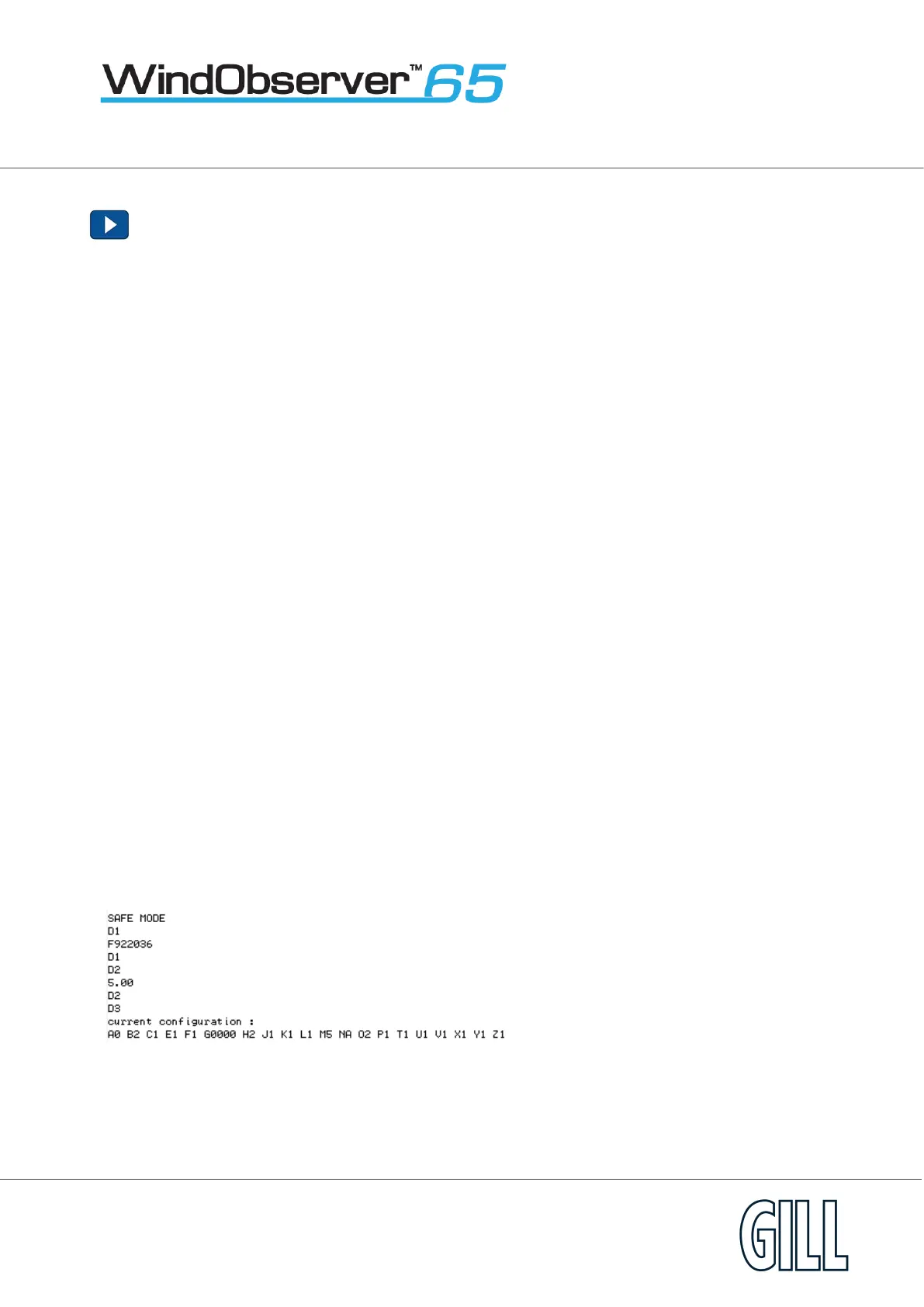
The words SAFE MODE should appear on the terminal screen.
If not then power down the WindObserver 65, hold the * key and re-power sensor.
To now check the unit: -
Type D1 and press Enter, to see serial number.
Type D2 and Press Enter to see Firmware version.
Type D3 to see configuration settings,
Change settings if required.
Type Q and press Enter to go back into measurement mode.
If powering down the instrument and repowering and no change has been made to the baud rate (B command) then
open a new terminal program at the units original baud rate setting (the default setting would be 9600 Baud).


 To Next Page