3534
ASPEC® POSITIVE PRESSURE MANIFOLD | User's GUideUSER’S GUIDE | ASPEC™ POSITIVE PRESSURE MANIFOLD
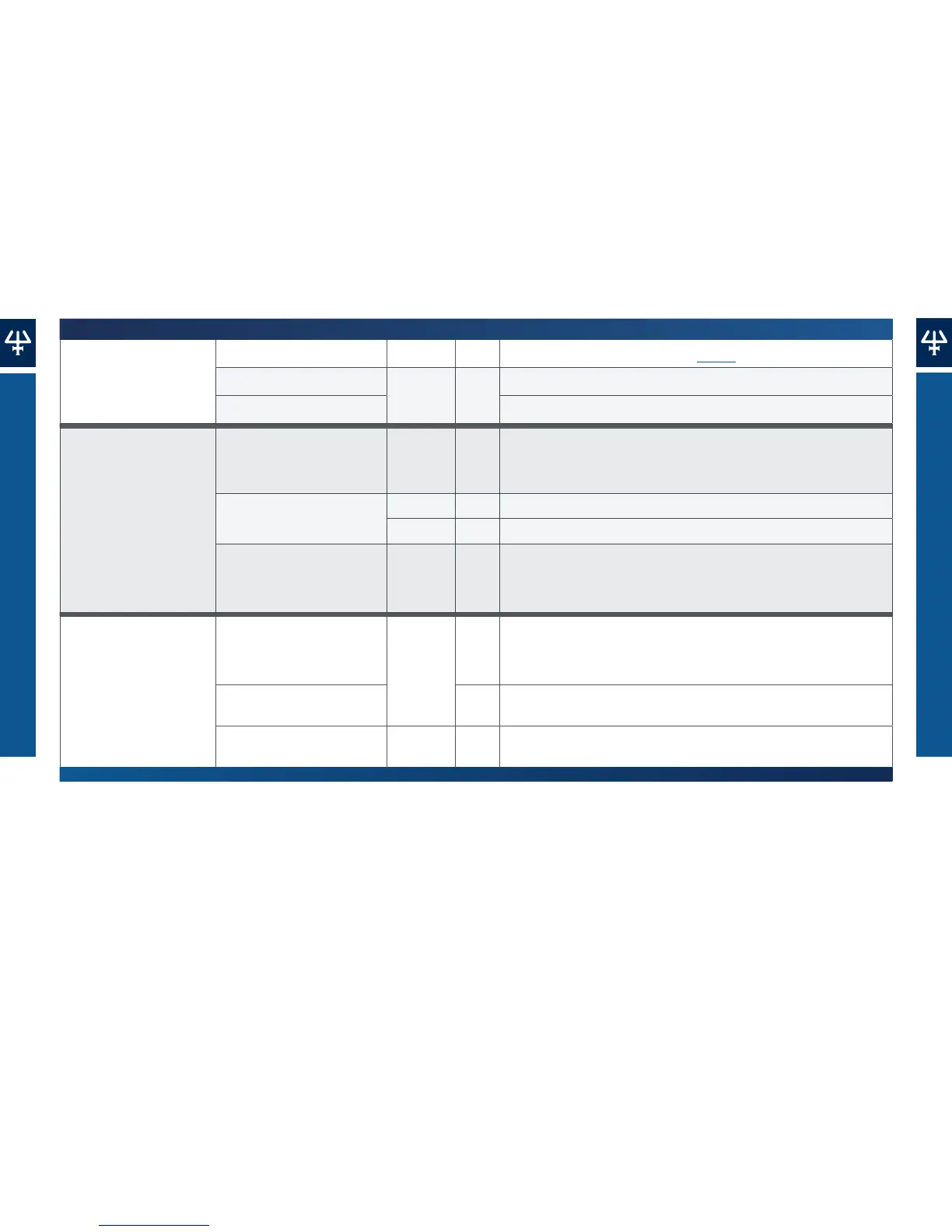
TroUbleshooTinG Table
TroUbleshooTinG Table
Symptoms Possible Causes SPE Steps Solutions
Contamination
Previous samples overflowed. Load Replace the manifold gasket. Refer to page 31.
Unclean collection tubes.
Elution
Replace the collection vessels.
Elution solvent splashed. Reduce the elution flow rate.
Lower recoveries than
usual for an optimized SPE
protocol.
SPE cartridge packing
material dried.
Condition
When the liquid level on the fastest eluting SPE cartridge reaches
2mm above the top frit (High Flow), switch to the SPE control dial to
Low Flow, and then slowly turn the low flow adjustment knob clockwise
until flow restarts and the liquid level equilibrates for all cartridges.
Not enough time for
extraction to be completed.
Load Decrease the flow rate to better extract analytes from the sample matrices.
Elution Decrease the flow rate to better extract analytes from the solid phase.
Residual trace of the washing
solvent inside the packing
material of the SPE cartridge/s
prior to the elution step.
Wash
Switch the process control dial to Dry after the last washing step for
several minutes.
Fewer interferents
removed than usual for an
optimized SPE protocol.
Residual trace of the washing
solvent inside the packing
material of the SPE cartridge/s
prior to the elution step.
Wash
Turn the process control dial to Dry after the last wash step. Thoroughly dry
the SPE cartridges for several minutes.
Not enough time to remove
interferents.
Decrease flow rate.
A new batch of
SPEcartridges.
Elution Replace the SPE cartridges with a new batch.













 To Next Page