- 9 -
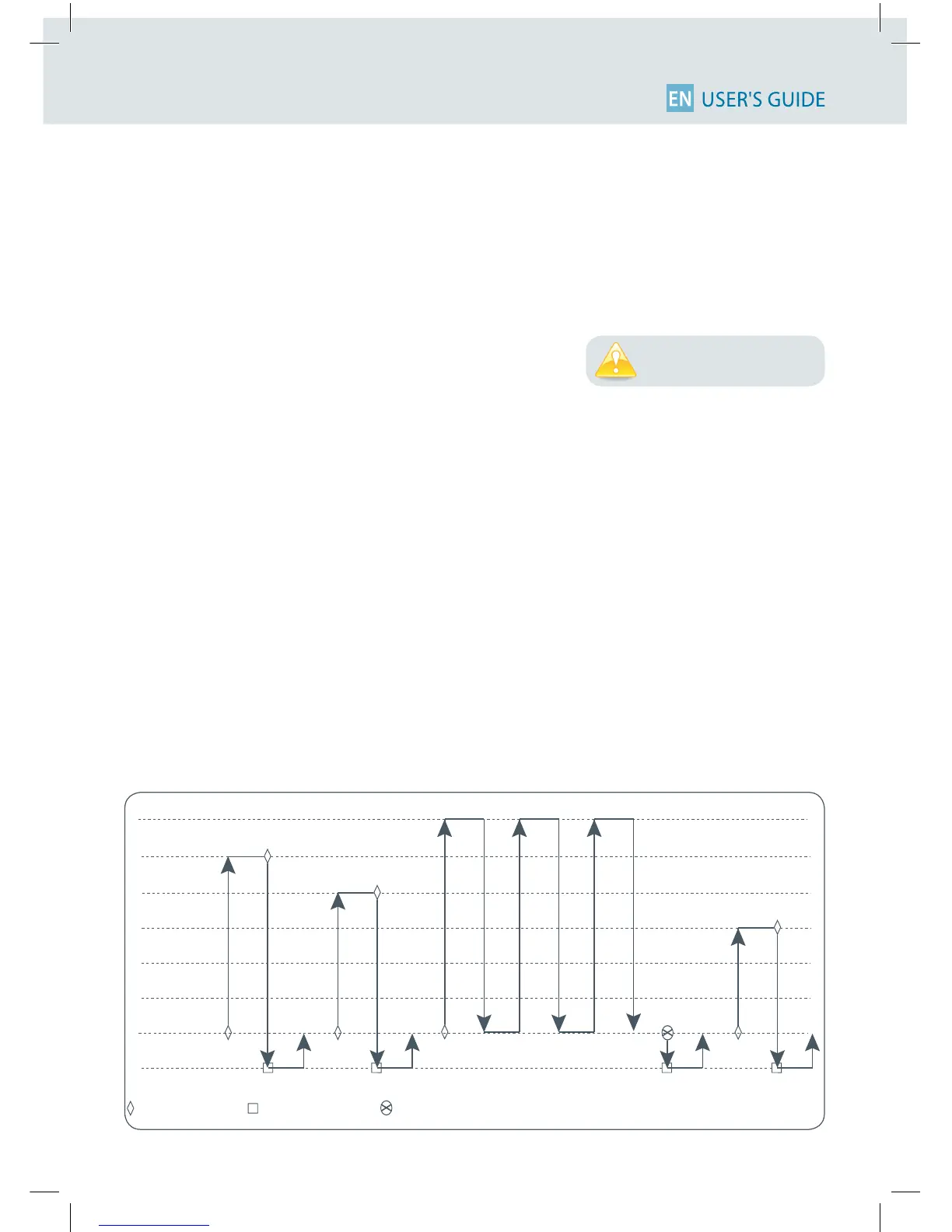
• Settheadditionalpipettingvolume,namedVOLUME 3: You can choose a volume to be aspirated
and dispensed after the mixing step, so you can continue pipetting! Click the push-button, set the
volumebyturningthepush-button.Conrmyoursettingsbyasimpleclick.
If you set the VOLUME 3 = 0 µL the cycle will stop after the MIX step.
Youarereadytomix!
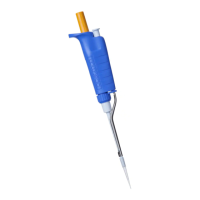
1. Fit a tip suitable for the model of PIPETMAN M that you
are using (preferably use PIPETMAN Tips for assurance of
accurateandpreciseresults;refertochapter8).
2. ToaspirateVOLUME 1 press the push-button
3. Todispense:
Click (press and release) the push-button: Three things happen: sample dispense, automatic
purge and piston reset to zero
or
Keep your thumb pressing the push-button until the end of the dispense cycle: The piston reset
takes place after you release the push-button again. This feature enables you to remove the tip
from the liquid, without aspirating anything.
4. Toaspirateanddispensethesecondvolume“VOLUME2”,repeatsteps2and3.
5. Tomix:Pressthepush-button;aslongasyoukeepyourthumbpressingthebutton,thepipette
continues mixing. Release the push-button to complete the current mixing cycle.
6. To purge: press push-button, PURGE appears on the screen, click again to purge and reset the
piston.
7. Topipette:IfyouhavechosenaVOLUME3>0youcannowaspirateanddispensethisvolumeby
repeatingsteps2and3.
If you choose VOLUME1 = 0, step 2 won’t occur, if you choose VOLUME 2 = 0 µL, step 4 won’t occur, as well if you set
VOLUME 1 and 2 = 0 µL, step 1-4 will disappear. If you set VOLUME 3 = 0 µL step 7 will not occur.
You must always fit a tip
before using any pipette!












 To Next Page