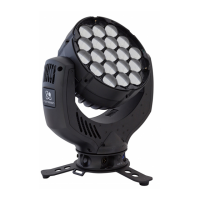
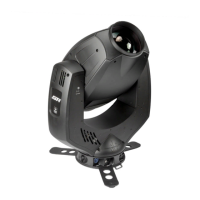
German Light Products GmbH JDC1
User Manual Rev. 1.0 11
4 The Menu Field
The LCD display provides access to user settings, readouts, and utilities including
manual control and a test routine.
From left to right, the top line of the main menu displays:
main CPU software version
DMX control modes for tilt, all pixels, color plate 2: N(ormal) or I(nverted)
DMX mode number
dimming mode: L(inear), S(oft), or E(xtra Soft)
PWM frequency in Hz
For example, if the top line reads “V:1.25/NNN/M02/E 600”, then:
the main CPU software is version 1.25,
DMX control for tilt, all pixels, and color plate 2 is set to normal,
DMX mode 2 is selected,
dimming mode is set to extra soft, and
PWM frequency is set to 600 Hz.
When booting up, the panel displays fixture information including component
firmware and hardware versions and fixture hours before displaying the PCB
reset status screen. After resetting, the panel displays the main menu.
The bottom row displays button functions. Press the Mode button to escape and
return to the top of the menu. Press the Enter button to select a setting, issue a
command, or enter a submenu. Press the Down and Up buttons to scroll menu
options.
To return resettable counters to zero, press and hold Enter for 3 seconds with the
counter displayed.
DMX control is disabled when the menu is active. A flashing display indicates loss
of DMX.


 To Next Page