13
TX6160 INSTRUCTION MANUAL
POWERING THE RADIO
Your radio is powered by a 7.4 volt 2600 mAh Li-Ion battery pack. When the battery pack is new, it
should be fully charged before being used for the rst time. If left unused, your radio’s battery pack will
discharge itself within a few months. If you have not used your radio for some time, you will need to
recharge the battery pack before use.
Warning: Use only the approved GME charger. The use of other types may be dangerous and will void the
warranty.
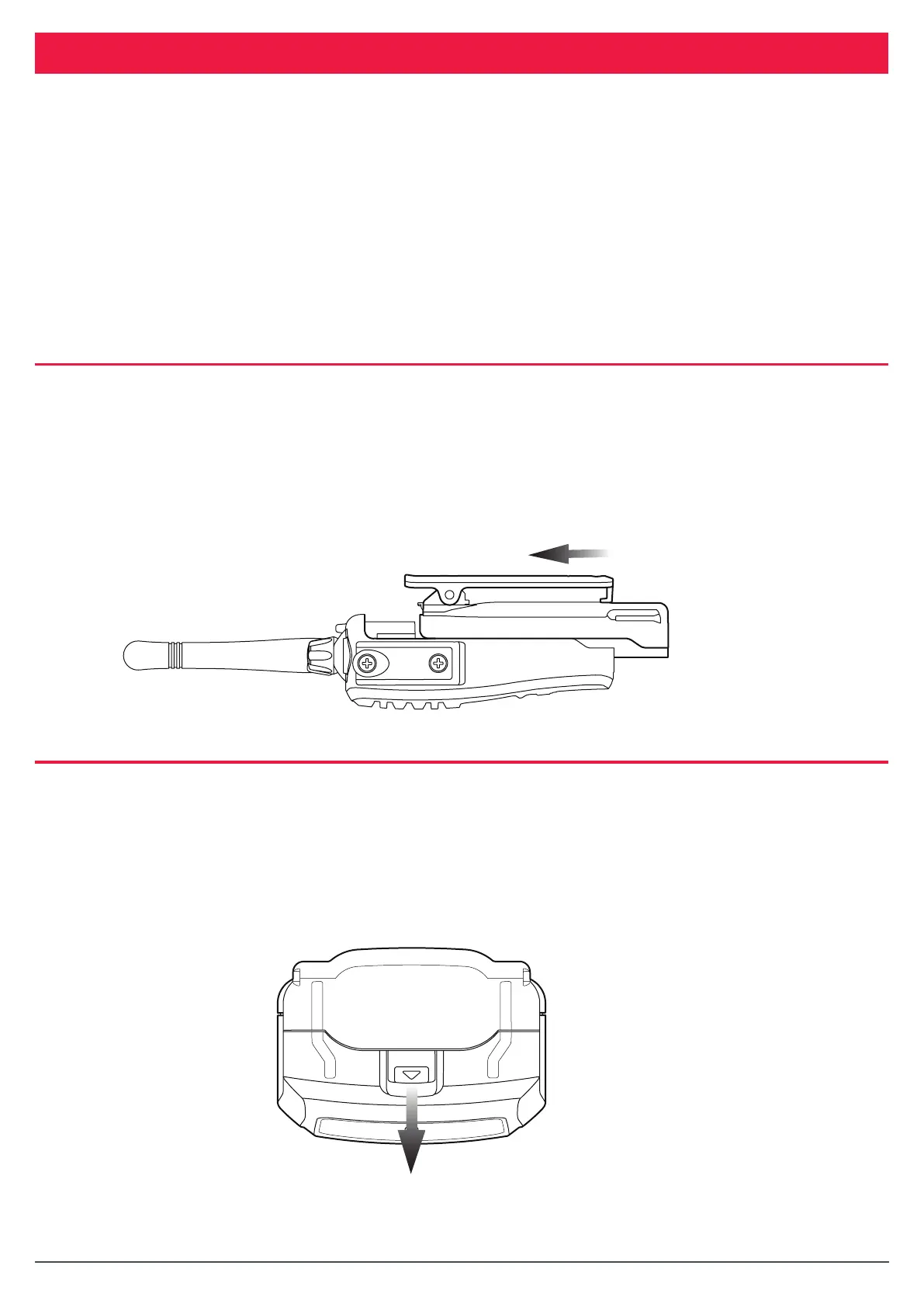
FITTING THE BATTERY PACK
1. Ensure that your radio is switched o.
2. Align the slots in the battery pack with the battery guides on the back of the radio.
3. Slide the battery pack upwards as far as it will go until it clicks.
TX6160 Instrucon Manual
14 June 2018
© 2018 Standard Communicaons Pty Ltd trading as GME. All rights reserved.
14
50158
Content
Powering the Radio
Your radio is powered by a 7.4 volt 2600 mAh Li-Ion baery pack. When the baery pack is new, it
should be fully charged before being used for the rst me. If le unused, your radio’s baery pack
will discharge itself within a few months. If you have not used your radio for some me, you will
need to recharge the baery pack before use.
Warning: Use only the approved GME charger. The use of other types may be dangerous and
will void the warranty.
Fing the Baery Pack
1. Ensure that your radio is switched o.
2. Align the slots in the baery pack with the baery guides on the back of the radio.
3. Slide the baery pack upwards as far as it will go unl it clicks.
REMOVING THE BATTERY PACK
1. Ensure that your radio is switched o.
2. Hold the radio upside down.
3. Using your ngernail, slide the battery catch towards the front of the radio to release the
battery then slide the battery towards you. The battery pack should separate from the radio.
TX6160 Instrucon Manual
14 June 2018
© 2018 Standard Communicaons Pty Ltd trading as GME. All rights reserved.
15
50158
Content
Removing the Baery Pack
1. Ensure that your radio is switched o.
2. Hold the radio upside down.
3. Using your ngernail, slide the baery catch towards the front of the radio to release the
baery then slide the baery towards you. The baery pack should separate from the
radio.



 To Next Page