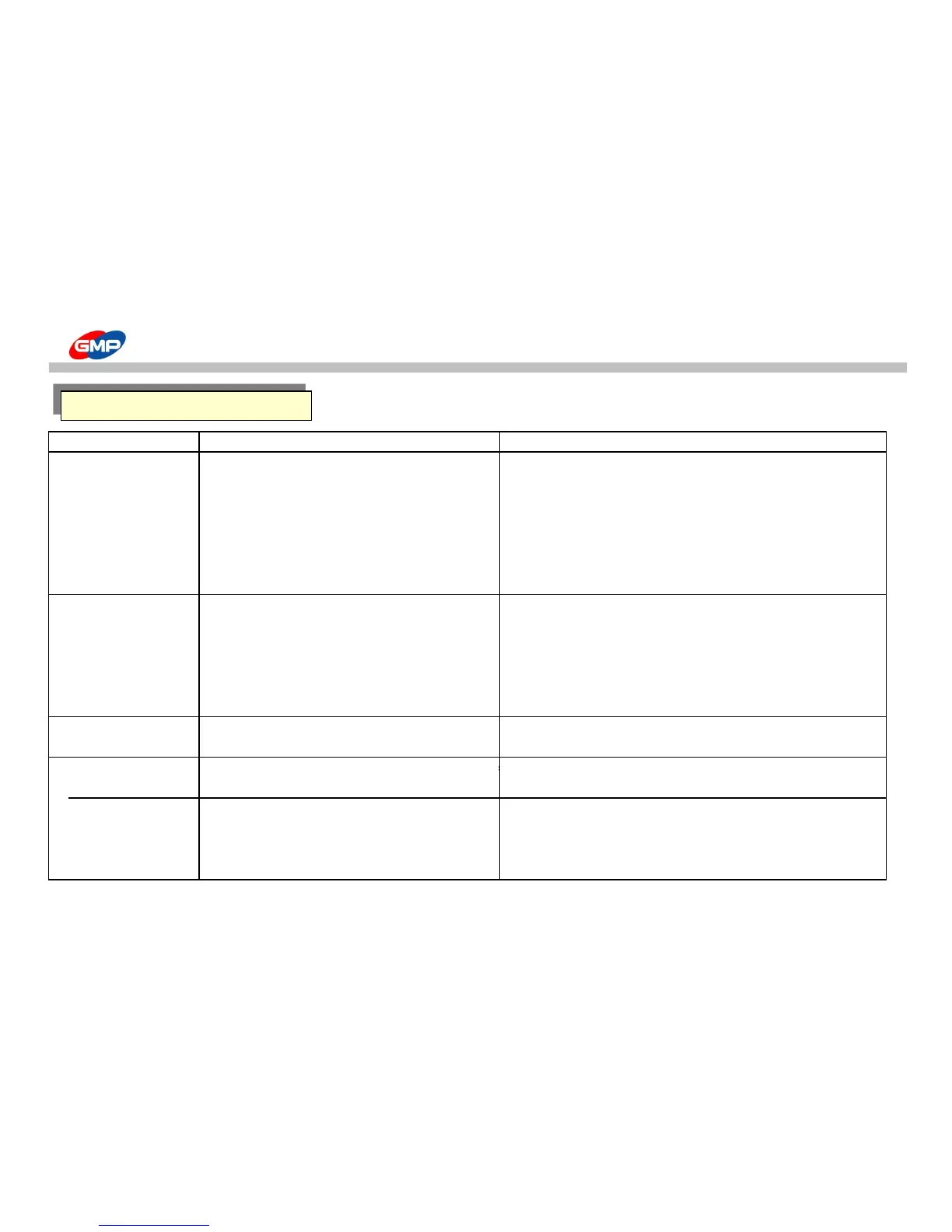
Trouble Type Reason How to solve
Laminating is not good 1. When the printing color is black
(Silvering) 2.Laminating roller pressure is not good 2. Using pressure controller, increase the pressure
Refer to Laminating "Roller Pressure control"
3. Laminating temperature is low 3. Increase the roller temperature
Decrease the roller rotating speed
4. Laminating speed is higher in not appropriate to temperature 4. Decrease roller rotating speed
Increase the roller temperature
Paper folding 1. When the paper has more humidity compared with standard or 1. Use the dried paper sufficiently
laminating using just printed materials.
2. Laminating rubber roller is broken 2. Exchange the rubber roller
Contact dealer or A/S Center
3. Laminating roller pressure is irregular 3. Contact dealer or A/S Center
4. Paper width is 30mm larger than film width 4. load the paper edge 3~5mm inside the film
Laminating results' curling
1. "Decurling" Value is lower 1. Refer to laminating part "Decurling Control"
2. Paper thickness is thin
2. Not use the paper below (80~120g/㎡)
Film sticks to the rubber roller
1. Laminating start or Paper condition change, when feeding errors
1. Insert the test paper when film loading
Film is wound into rollers.
Crease on the laminating results
1. Not use the paper below.(80~120g/㎡)
2. It happens sometimes according to the paper line
3. It happens sometimes mainly due to the humidity 3. Use the sufficient dried paper
4. when the temperature is high 4. Decrease the roller temperature



 To Next Page