Gocycle
®
Owner’s Manual for G2R, August 2015
© Karbon Kinetics Limited. All Rights Reserved. 28
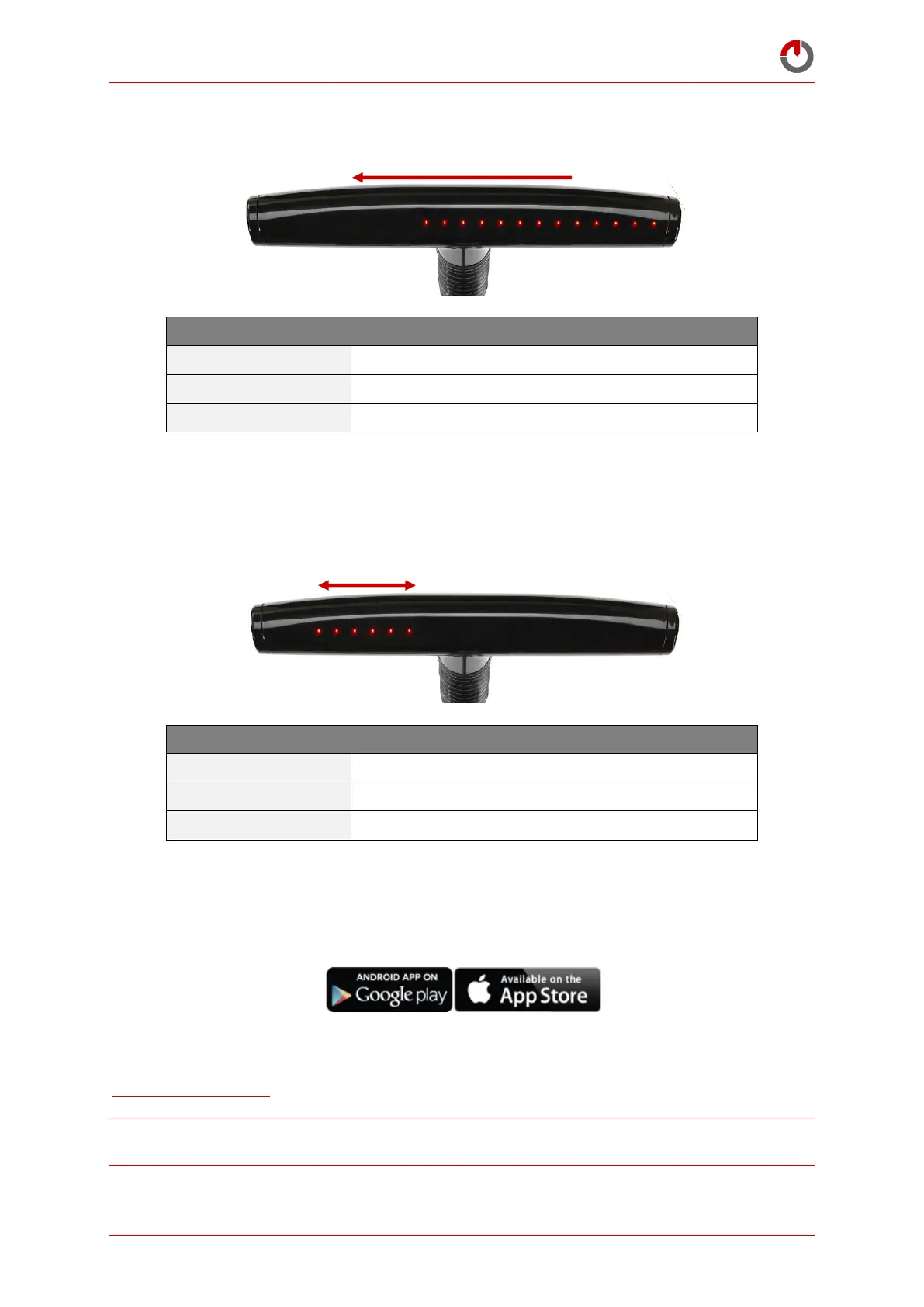
All Delivery Distance Used
(Motor will cease to operate)
No Delivery Distance Used
60 miles (100km) remaining
Pre- Registration: Delivery State
Delivery Distance Used (More LEDs = More Distance Used
Motor will cease to operate when all LEDs are flashing
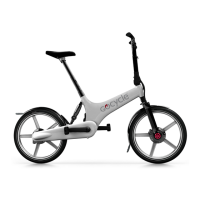
4.8.3 After Registration: Normal Operation
When stationary and not in use for more than 60 seconds, the dashboard will display scrolling LEDs.
This is a screensaver and the Gocycle is in Standby.
After Registration: Normal Operation
LEDs “SCROLLING” back and forth
Screensaver – Gocycle in
Standby
4.9
Gocycle App Installation – Frequently Asked Questions
How do I register the Gocycle and gain normal operation?
Download and install the Gocycle Connect App from either the Apple App Store or Google Play for
your Apple iOS or Android device. Follow the registration directions. For more details, see
www.gocycle.com/app.
NOTE! You must complete the registration before fully using the delivery distance to avoid loss of
motor function.


 To Next Page