Ver0.6
MENU
WI RELESS
CH
ID
23
TCM
Ver0.6
MENU
WIRELESS
CH
ID
01
TCM
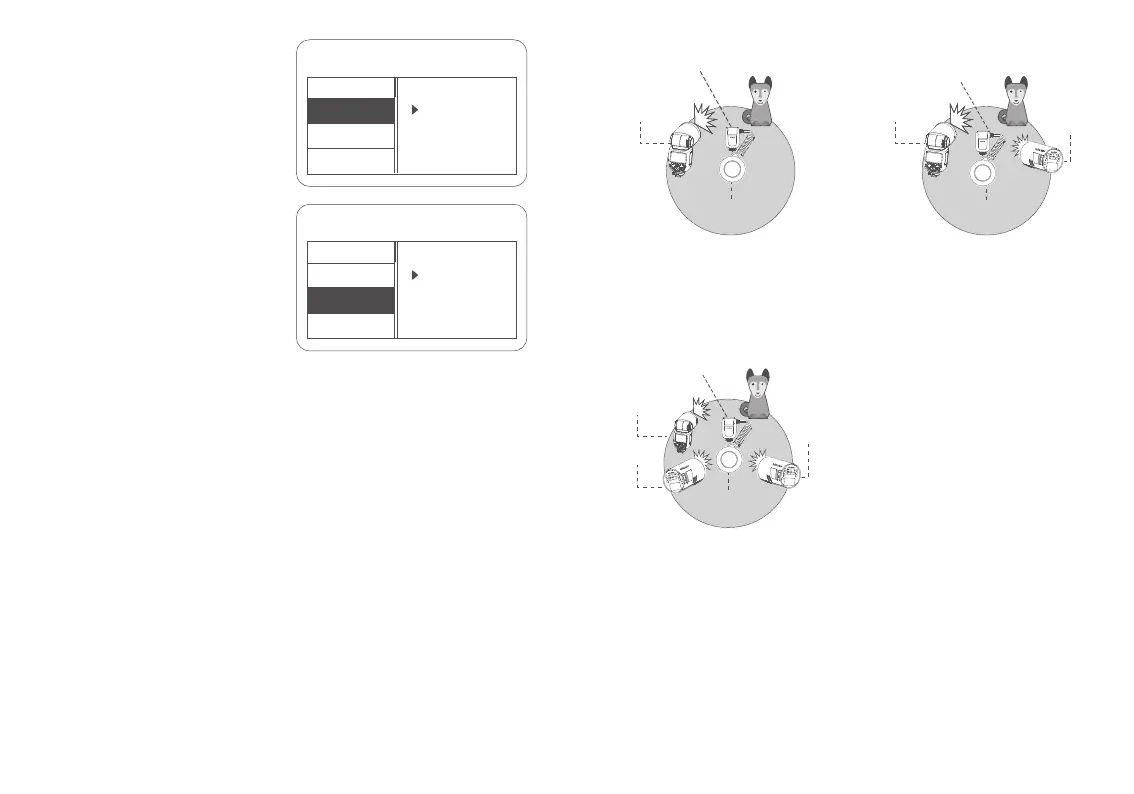
Auto Flash Shooting with
One Receiver Unit
Auto Flash Shooting with
Three Receiver Units
Auto Flash Shooting with
Two Receiver Units
Receiver
Unit A (TTL)
Receiver
Unit A (TTL)
Receiver
Unit B (TTL)
Receiver
Unit A (TTL)
Receiver
Unit B (TTL)
Receiver
Unit C (TTL)
Transmitter Unit(Flash M: TTL
, Flash Group A : TTL)
Transmitter Unit
(Flash M: TTL
, Flash Group A : TTL, Flash Group B : TTL)
Transmitter Unit
(Flash M: TTL, Flash Group A : TTL, Flash Group B : TTL
Flash Group C : TTL)
Wireless Multiple Flash Shooting (2.4G Wireless Transmission)
Short press the MENU/lock button to enter
the menu, turn the select dial to <CH>, short
press the SET button to enter the wireless
setting interface, turn the select dial to select
among 01 to 32, then short press the SET
button to return to the previous menu.
3. Wireless Channel Setting
Short press the MENU/lock button to
enter the menu, turn the select dial to
<ID>, short press the SET button to enter
the wireless setting interface, turn the
select dial to select among OFF or 01 to
99, then short press the SET button to
return to the previous menu.
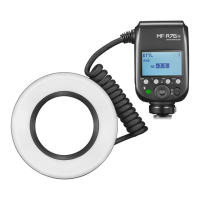
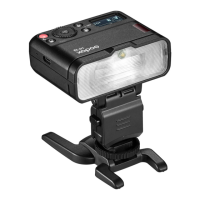
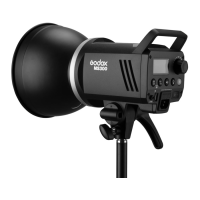
This chapter mainly explains how to perform wireless multiple shooting with 2.4G wireless
transmission by using MF-R76S as the transmitter unit (refer to as “transmitter unit” below) and
Godox flashes with 2.4G wireless receivering function such as MF-R76S, AD100PRO and V860III
as the receiver unit (refer to as “receiver unit” below).
Set the flash groups (M, A, B and C) of MF-R76S (transmitter unit) as <TTL>, no need to set the
receiver units and they will perform wireless multiple flash shooting in auto flash. Set the FEB
value on transmitter unit, no need to set the receiver units and they will follow the transmitter.
4. Wireless ID Setting
1. TTL: Wireless Multiple Flash Shooting in TTL Auto Flash Output Mode
Transmission
distance is about
100m.
Transmission
distance is about
100m.
Transmission
distance is about
100m.
30 31



 To Next Page