Welcome1
Troubleshooting5
Technical Specifications6
Customer Support7
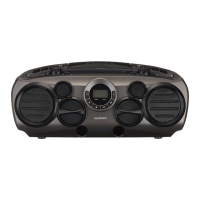
Your CD Boombox
2.1 In The Box
2.2 Front View
2.3 Top View
2
Quick Setup
3.1 Power On/Off and Function Selection
3.2 Standby & Auto Standby
3.3 Adjusting the Volume
3
Operation4
CD Operation
4.1 Load a Disc
4.2 Play a Disc
4.3 Skip Tracks And Search For A Specific
Point To Play
4.4 Programmed Play
4.5 Repeat Single/All Track(s)
Radio Operation
4.6 Tuning a Station
Aux-In Mode
4.7 Aux In Mode
2.4 Rear view
2.5 Control panel
3.4 Bass Enhancement
3.5 Fitting Batteries
3.6 Connecting Earphones
Bluetooth Operation
4.8 Pairing a Bluetooth Device
4.9 Operating a Connected Device


 To Next Page