CD Operation
Operation4
4.1
4.2
4.3
Load a Disc
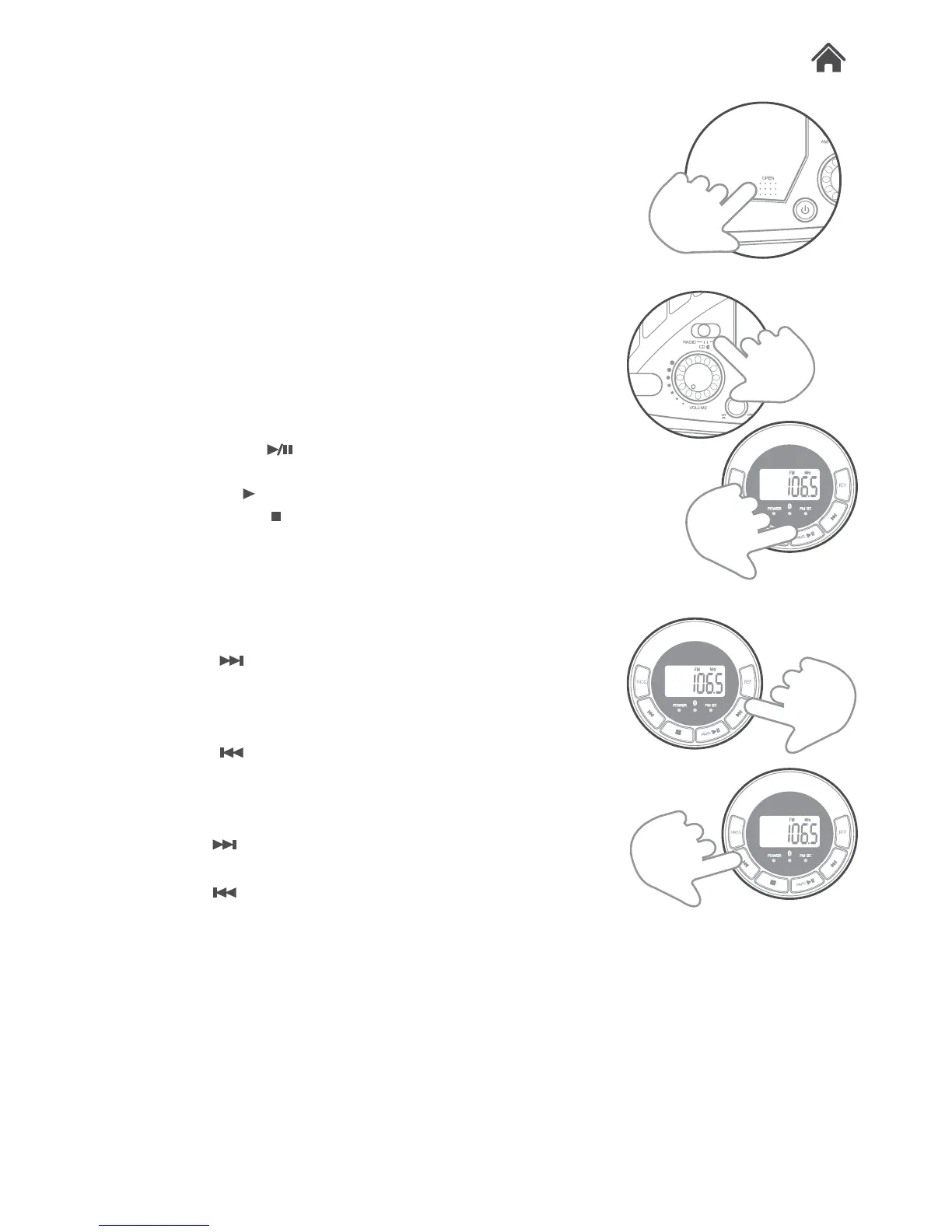
1. Open the CD lid using the OPEN button (H).
2. Load a disc onto the disc tray with the label side facing up.
3. Close the CD door.
Play a Disc
1. Slide the FUNCTION (F) switch to the CD position.
2. Follow the steps above to load a disc (if not already loaded).
3. The player begins to read the disc immediately.
4. When the disc is successfully read, the total number of
tracks on the disc will appear on the LED display (D).
5. Press the PAIR/
button (S) once to begin playback.
Press the button again to pause the music playback. The
play symbol ‘ ’ flashes to indicate the player is in Pause
mode; press the button (R) to cease music playback. The
LED shows the total number of tracks again.
Skip Tracks And Search For a Specific Point
To Play
1. Press the button (U) once during playback to skip to the
next track. To skip to a specific track ahead, press this
button several times until you reach the track number
required.
2. Press the
button (O) once during playback to return to
the beginning of the current track. Press this button twice
repeatedly to skip to the previous track. To skip back to a
specific track, press this button several times.
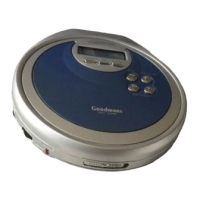
3. Hold the
button (U) during playback to fast forward the
current track.
4. Hold the
button (O) during playback to fast rewind the
current track.


 To Next Page