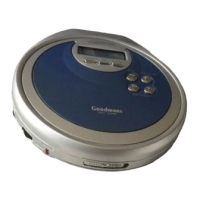
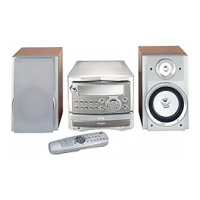
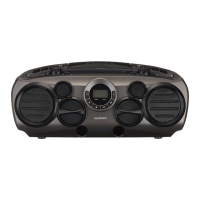
Control Panel2.5
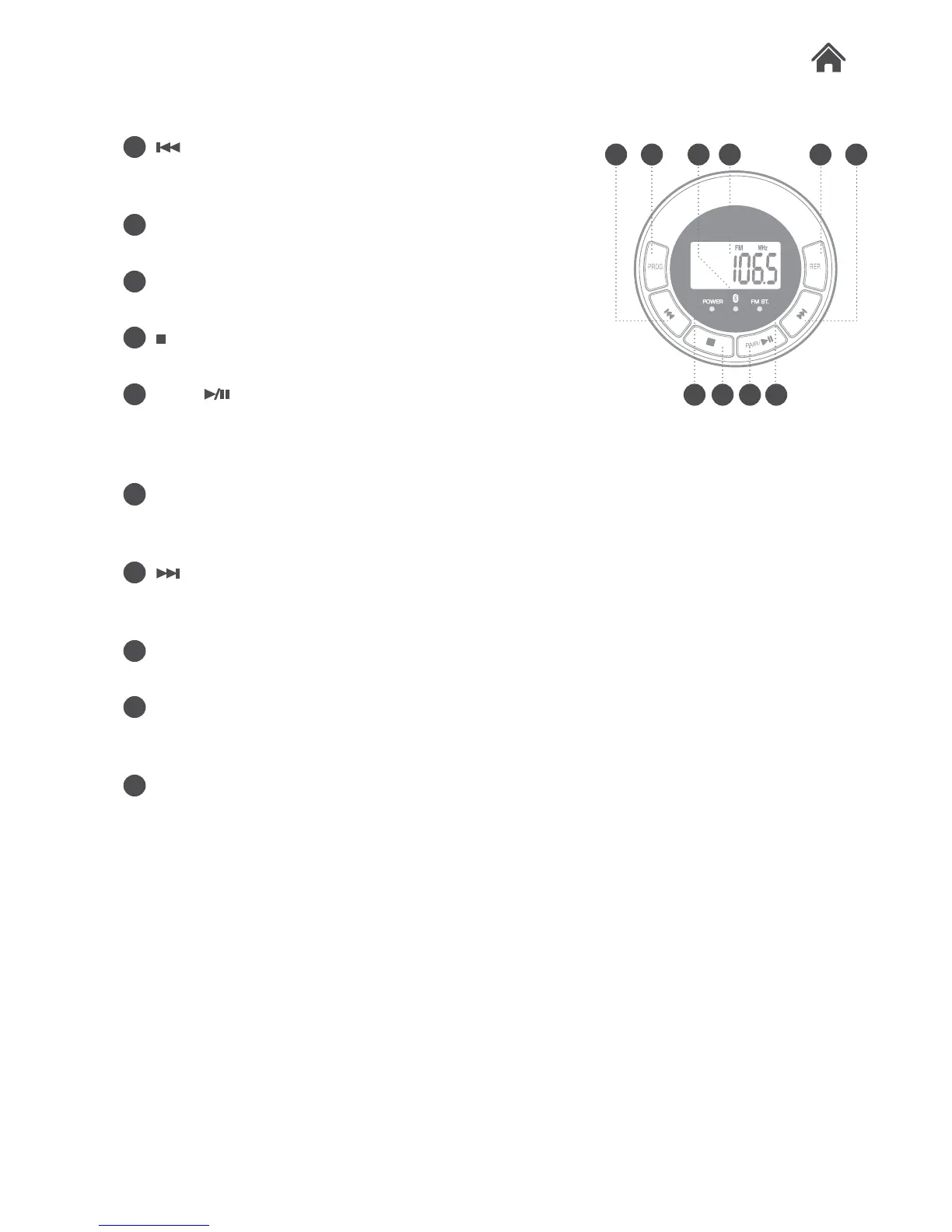
O button. Press to skip to previous
CD tracks. Press and hold to fast
rewind CD tracks.
P PROG button. Press to enable
program function.
Q POWER LED. This will illuminate
when the power is on.
R
button. Press to stop playback of a
CD.
S PAIR/
button. In CD mode press
to Play or Pause playback of a CD. In
Bluetooth mode press to initiate the
pair function.
T FM STEREO LED. Illuminates when
a station is tuned in the FM STEREO
mode.
U
button. Press to skip to next CD
track(s). Press and hold to fast
forward CD tracks.
V REP button. Press repeatedly to
toggle the repeat functions.
W LCD DISPLAY. Displays all current
information releative to the mode
selected.
X BLUETOOTH LED. Indicates the
status of a bluetooth connection.
O P WX V U
RQ TS


 To Next Page