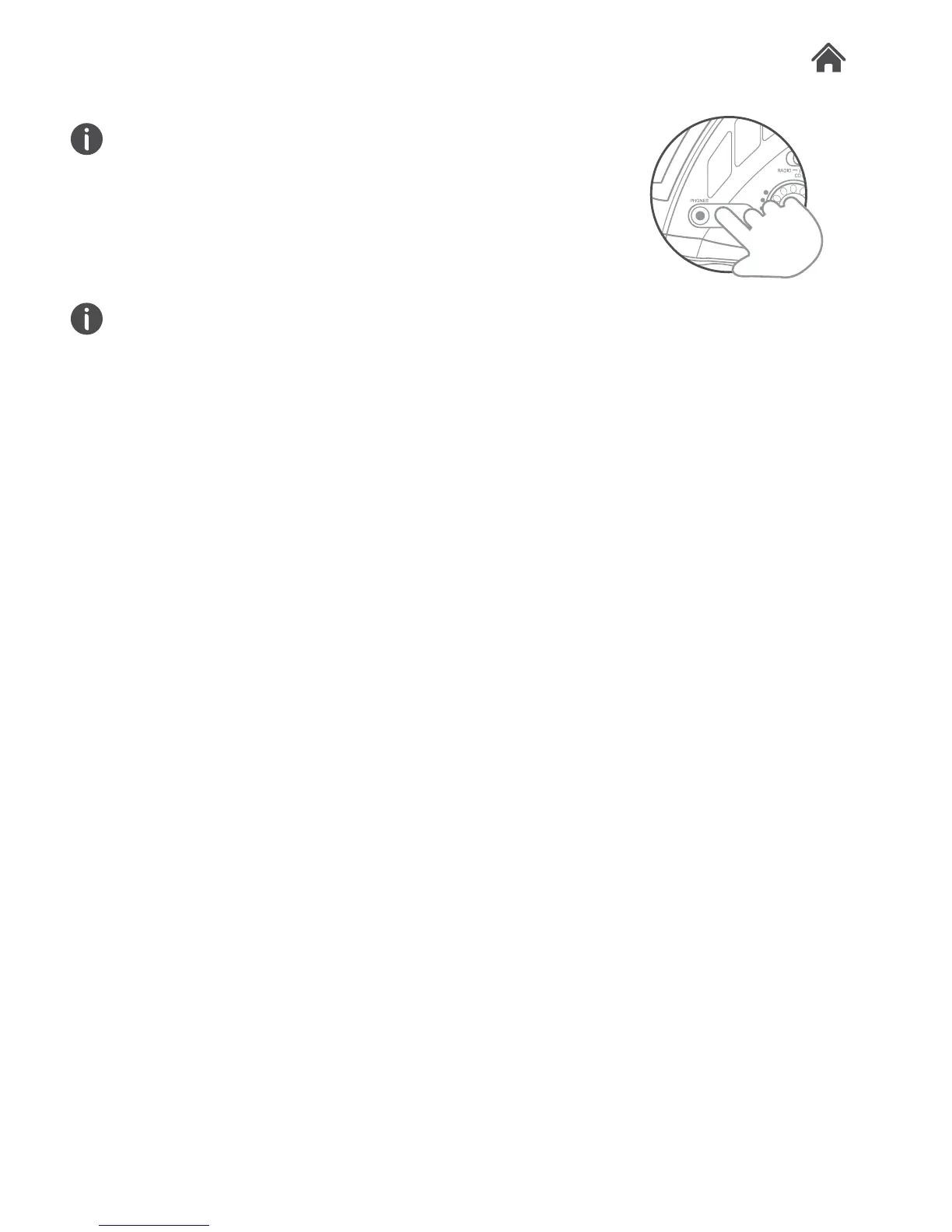
Connecting Earphones
You will require a 3.5mm adapter if your earphones /
headphones do not have this size plug.
Connect the 3.5mm jack into the PHONES output socket (C)
on the left of the unit.
• Listen at moderate volumes to avoid hearing damage.
• If you hear no sound during playing, do not turn the volume
up as the music may suddenly begin at a high volume.
• Excessive sound pressure from earphones and
headphones can cause hearing loss.
• To avoid damaging your ears, adjust the volume to the
lowest safe level before playing, and turn up to the desired
level when playback has started.
3.6


 To Next Page