26 27
CAPTURING VIDEO AND PHOTOS
You can also use a more traditional method to capture video and photos
in which you leave the camera powered on and capture, as needed. Unlike
QuikCapture, the camera remains on when you are not capturing, so
you must manually power it o to save battery life. (Fusion automatically
powers o after 7 minutes of inactivity.)
1. Press the Mode button [
] to power on the camera.
2. Select a mode and settings. For details, see Changing Modes and
Settings (page 17).
3. Press the Shutter button [
]. The camera beeps and the camera
status lights ash while the camera is capturing.
4. To stop capturing video or time lapse, press the Shutter button [
].
The camera beeps and the camera status lights ash quickly.
CAPTURING VIDEO AND PHOTOS
ADDING HILIGHT TAGS
You can mark specic moments in your video during recording or playback
with HiLight Tags. HiLight Tags make it easy to nd the best highlights
to share.
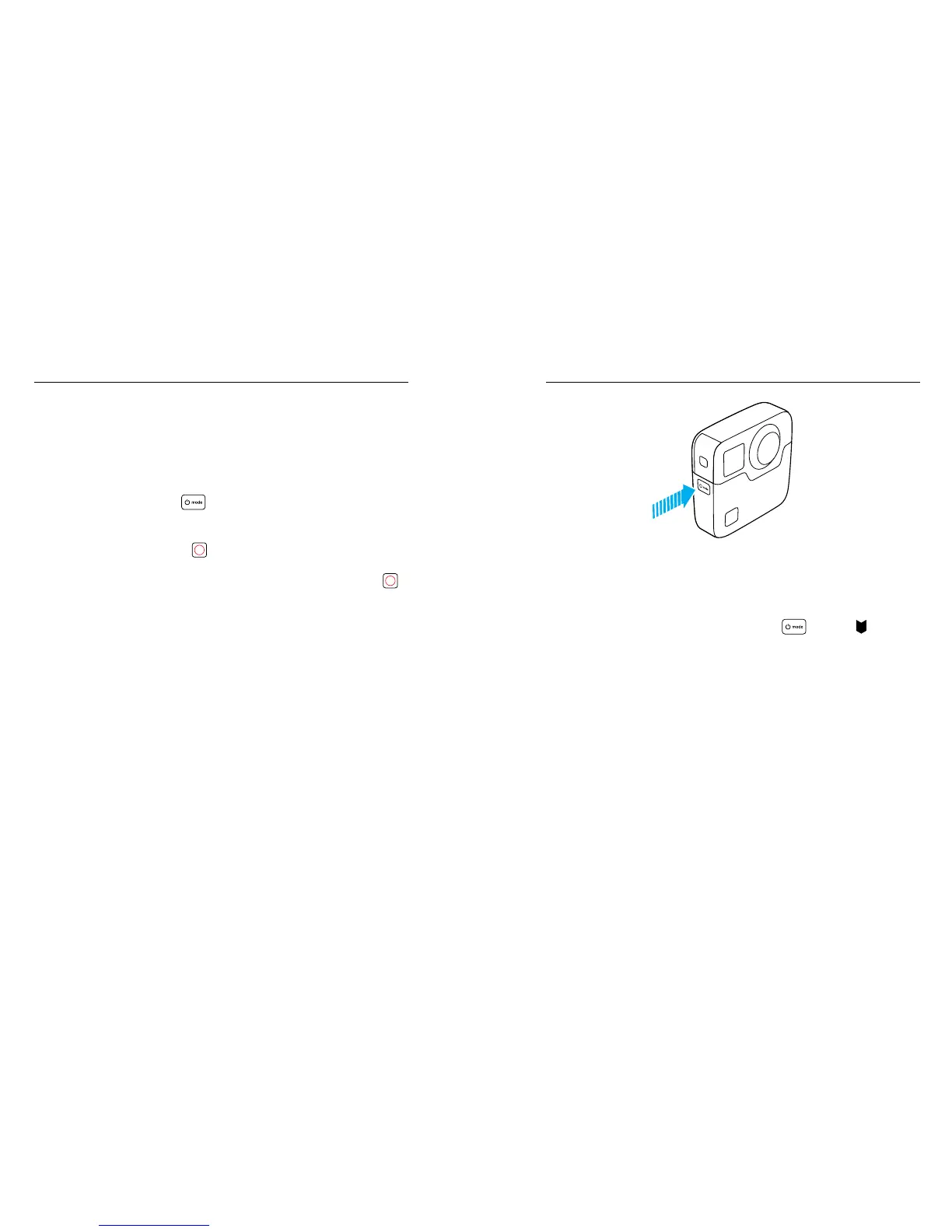
To add a HiLight Tag, press the Mode button [
] or tap [ ] in the
GoPro app.
CAPTURING VIDEO AND PHOTOS













 To Next Page