14 15
LOCATING YOUR CAMERA’S USERNAME AND PASSWORD
Your camera’s username and password are needed when you connect your
camera to other devices. To display this information at any time, complete
the steps below.
1. Press the Mode button [
] repeatedly until you get to Settings
[ ], then press the Shutter button [
] to select it.
2. Press the Shutter button [
] repeatedly until you get to
Connections [ ].
3. Press the Mode button [
] to highlight Cam Info, then press the
Shutter button [
] to display the username and password.
4. Press the Mode button [
] repeatedly until you get to Done, then
press the Shutter button [
] to select it.
GETTING STARTED GETTING STARTED
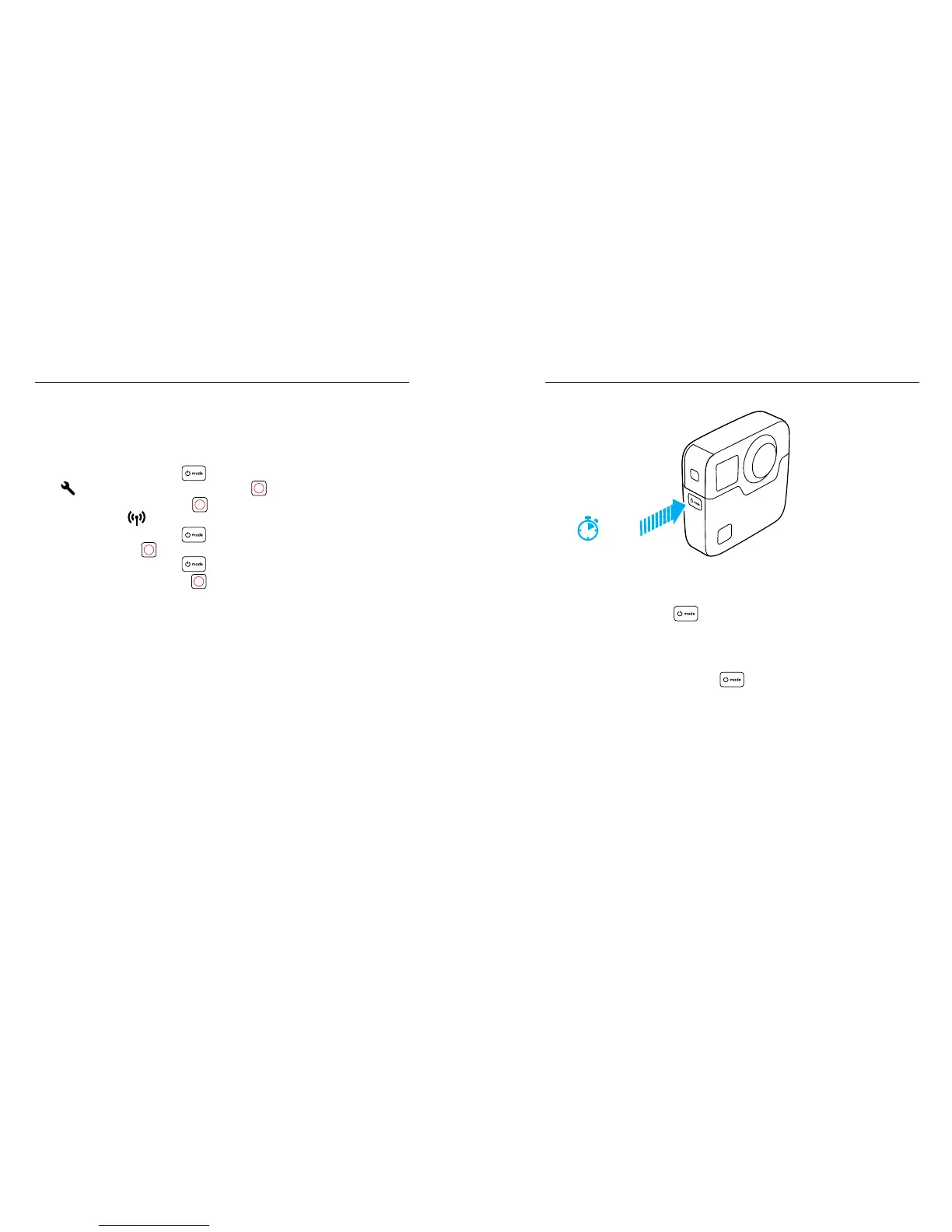
POWERING ON + OFF
To Power On:
Press the Mode button [ ]. The camera beeps several times while
the camera status lights ash. When information appears on the status
screen, your camera is on.
To Power O:
Press and hold the Mode button [
] for two seconds. The camera
beeps several times while the camera status lights ash.
Note: Fusion automatically powers o after 7 minutes of inactivity.
2 sec













 To Next Page