GP3D Root User Manual
21
(Figure 4.2-06)
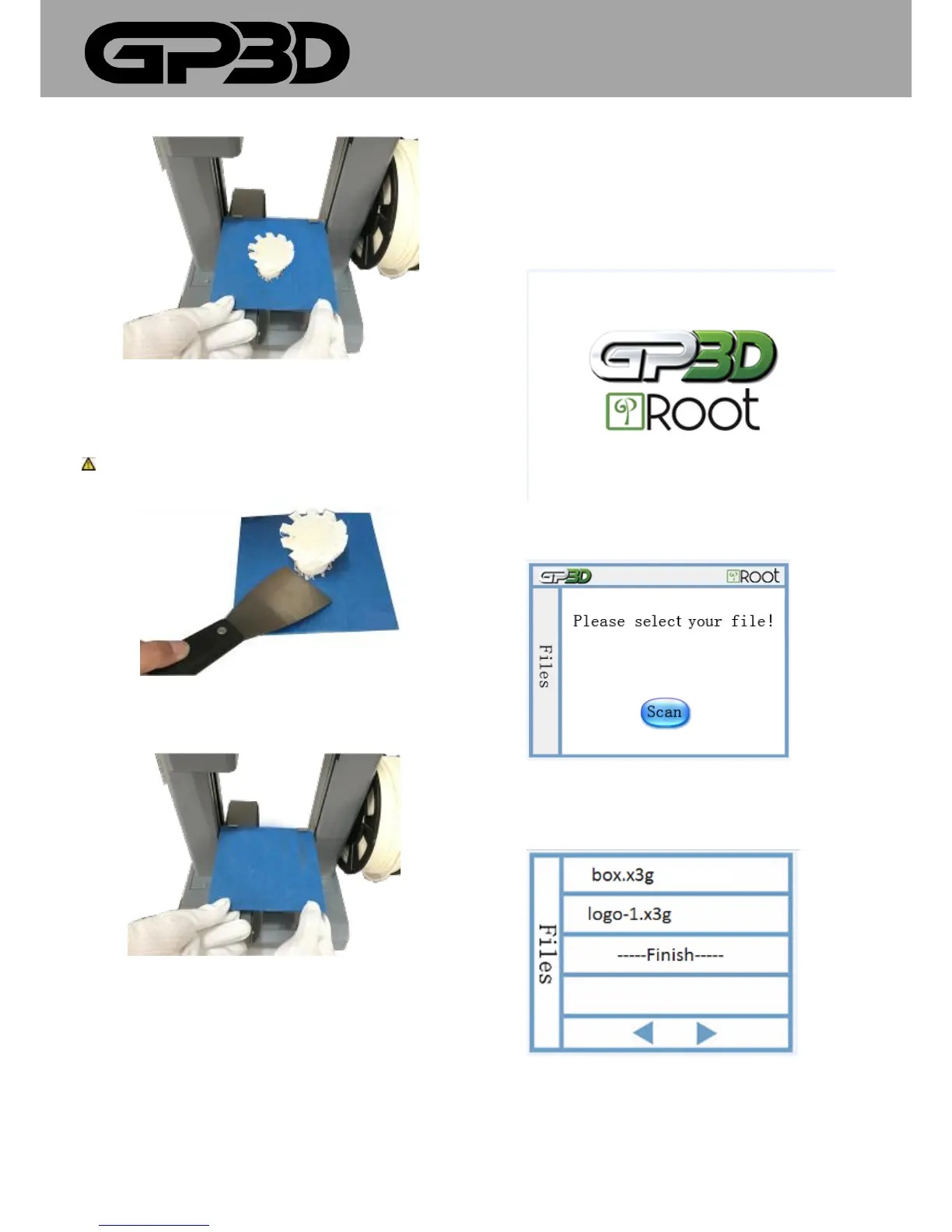
4.2.7 Slide the 4 clips to remove the build plate. Use the scraper to
carefully take off the model.
Be careful!Please wear gloves to prevent cutting your hand when you
are taking down the model from the platform!
(Figure 4.2-07)
4.2.8 After the model is removed from the platform, slide the build plate
into place and secure with the 4 clips.
(Figure 4.2-08)
4.3 ATTENTIONS FOR ONLINE PRINTING
4.3.1 Please disable sleep mode on your computer, otherwise the print
will be interrupted.
4.3.2 During printing, please do not touch the power cable, USB cable, or
SD card, otherwise the print will be interrupted.
4.3.3 Before taking down the model, please remove the build plate first to
prevent the plate from being bent.
5. OFFLINE PRINTING
5.1 TOUCH SCREEN INTRODUCTION
5.1.1 Home page will show the GP3D and Root logos. Please tap any part
of the display and then find “Files” function.
(Figure 5.1-01)
5.1.2 Select the files to print on the touch screen.
(Figure 5.1-02)
5.1.3 You can save multiple x3g files until the storage reaches 2GB. Touch
any file to start printing(Figure 5.1-03)
(Figure 5.1-03)
5.1.4 The touch screen will display file name, setting temperature,
extruder temperature, and printing process. Touch [Stop] to stop printing.



 To Next Page