THERMAL BARCODE PRINTER SERIES 17
Label Formatting Commands
20. BAR
Description
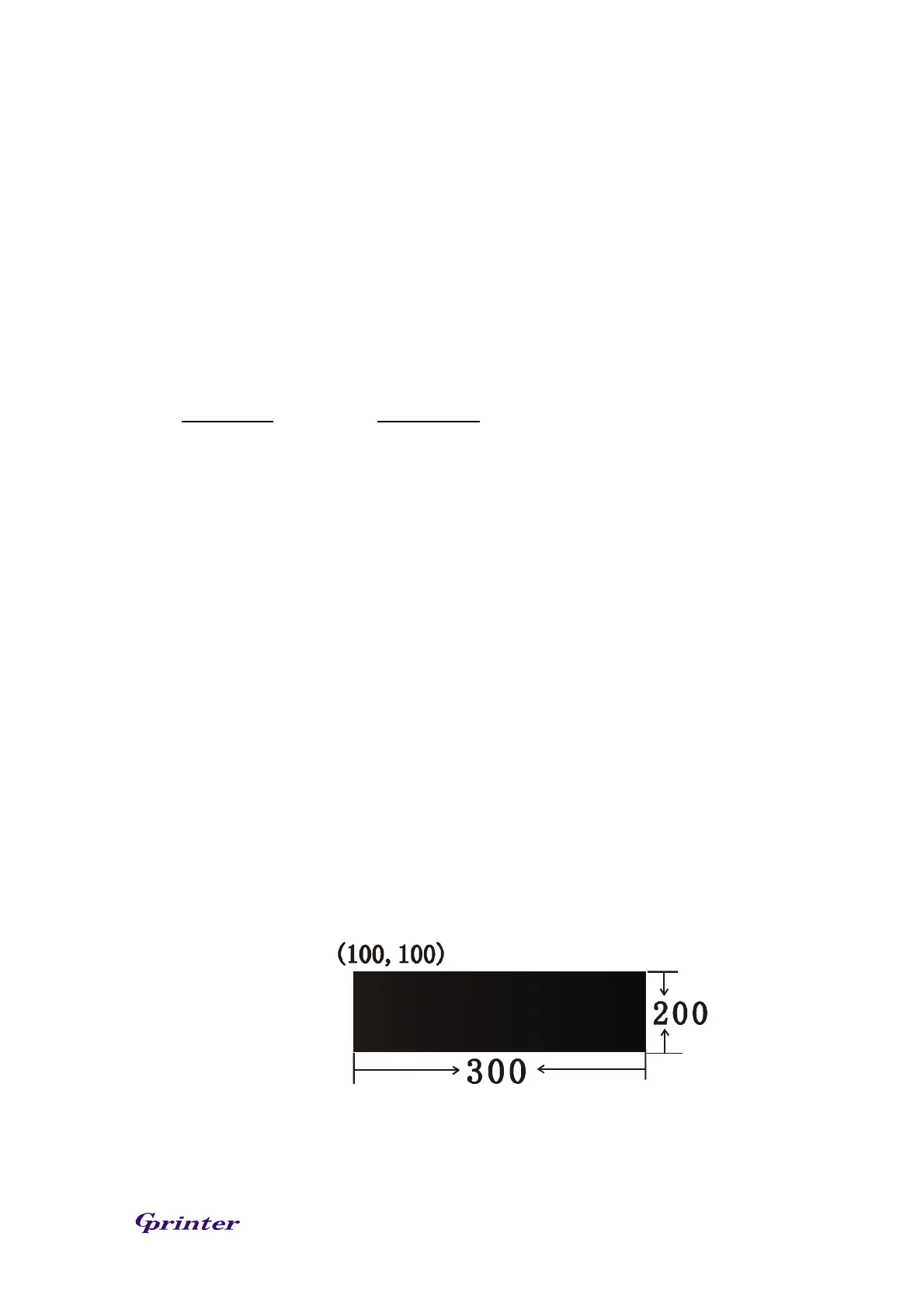
This command is used to draw a line or a bar on the label format.
Syntax
BAR x, y, width, height
Parameter Description
x The upper left corner x-coordinate in dot
y The upper left corner y-coordinate in dot
width The width of bar in dot
height The height of bar in dot
Note: 203 DPI: 1 mm = 8 dots
Recommended max. bar height is 12mm at 3” width. Bar height
over than 12 mm may damage the power supply and affect the
print quality.
Max. print ratio is different for each printer model. Desktop and
industrial printer print ratio is limited to 20% and 30%
respectively.
Example
SIZE 3,2.5
GAP 0,0
SPEED 6
DENSITY 8
DIRECTION 0
CLS
BAR 100, 100, 300, 200
PRINT 1,1
See Also
BOX



 To Next Page