THERMAL BARCODE PRINTER SERIES 25
24. ERASE
Description
This command is used to clear a specified region in image buffer.
Syntax
ERASE X_start, Y_start, X_width, Y_height
Parameter Description
X_start The x-coordinate of the starting point in dot
Y_start The y-coordinate of the starting point in dot
X_width The region width in x-axis direction in dot
Y_height The region height in y-axis direction in dot
Example
SIZE 3,2.5
GAP 0,0
SPEED 6
DENSITY 8
DIRECTION 0
CLS
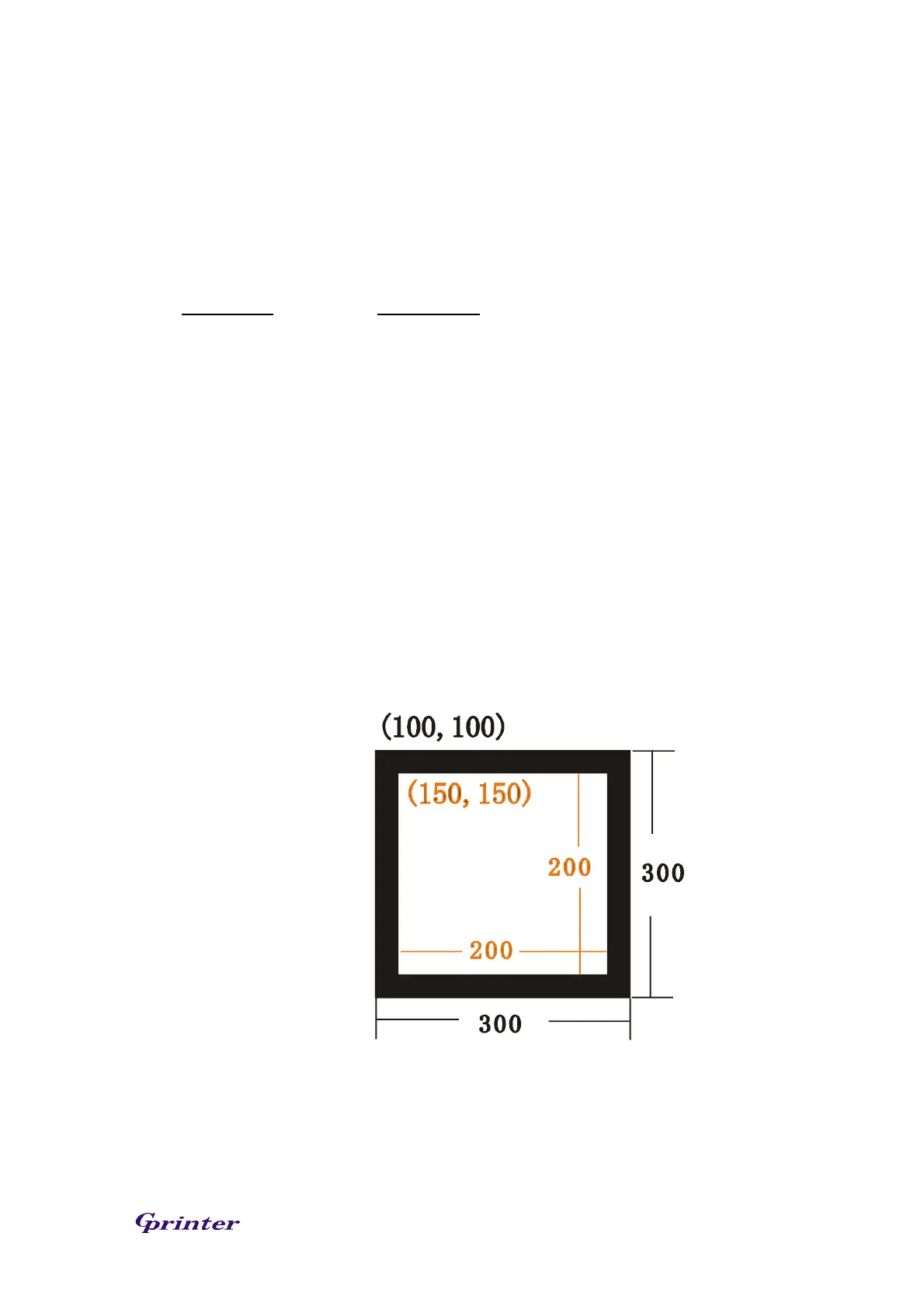
BAR 100, 100, 300, 300
ERASE 150,150,200,200
PRINT 1,1
See Also
CLS



 To Next Page