PRINT
Description
This command prints the label format stored in the image buffer.
Syntax
PRINT m [,n]
Parameter Description
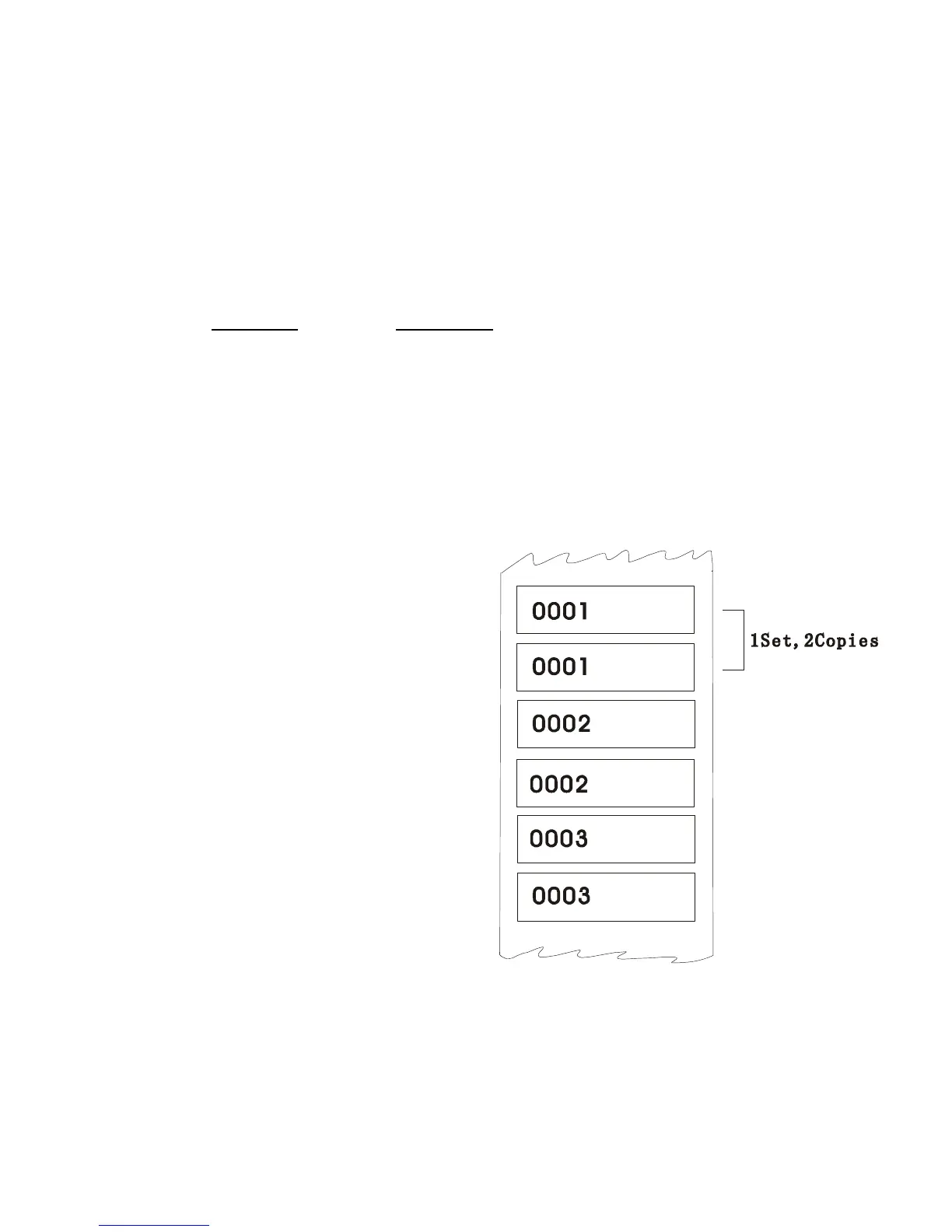
m Specifies how many sets of labels will be printed.
1 ≤ m ≤ 999999999
If m=-1, printer will print the last label content for n
copies.
n Specifies how many copies should be printed for
each set of label.
1 ≤ n ≤ 999999999
Example
SIZE 60 mm, 20 mm
SET COUNTER @1 1
@1=”0001”
CLS
TEXT 10,10,”3”,0,1,1,@1
PRINT 3,2
PRINT –1,2
See Also
SET COUNTER, INPUT, DOWNLOAD









 To Next Page