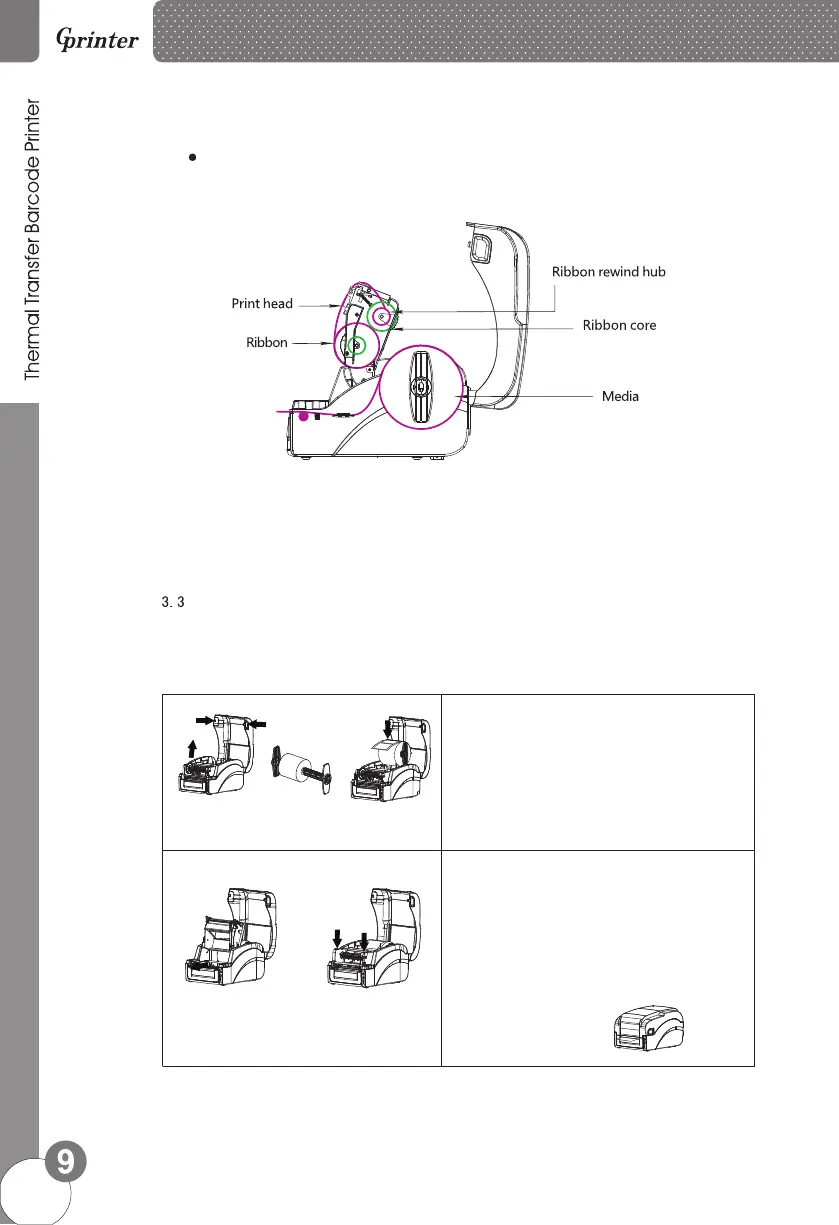
Ribbon installation diagram
<Picture 7>
Installation of paper
1. Press two press buttons on left and right side to open
printer top cover.
2.Insert media roll spindle into media roll.
3. Place the media roll onto printer, adjust the position
of medial roll to make it in the center of media roll
spindle.
4.Press the Push button to open print head.
5. Install label same as picture showing.
6. Close the print head by pressing two arrow locations.
Confirm print head two sides are closed correctly to
ensure you get printing in good quality.
7. Close printer top cover.









 To Next Page