13
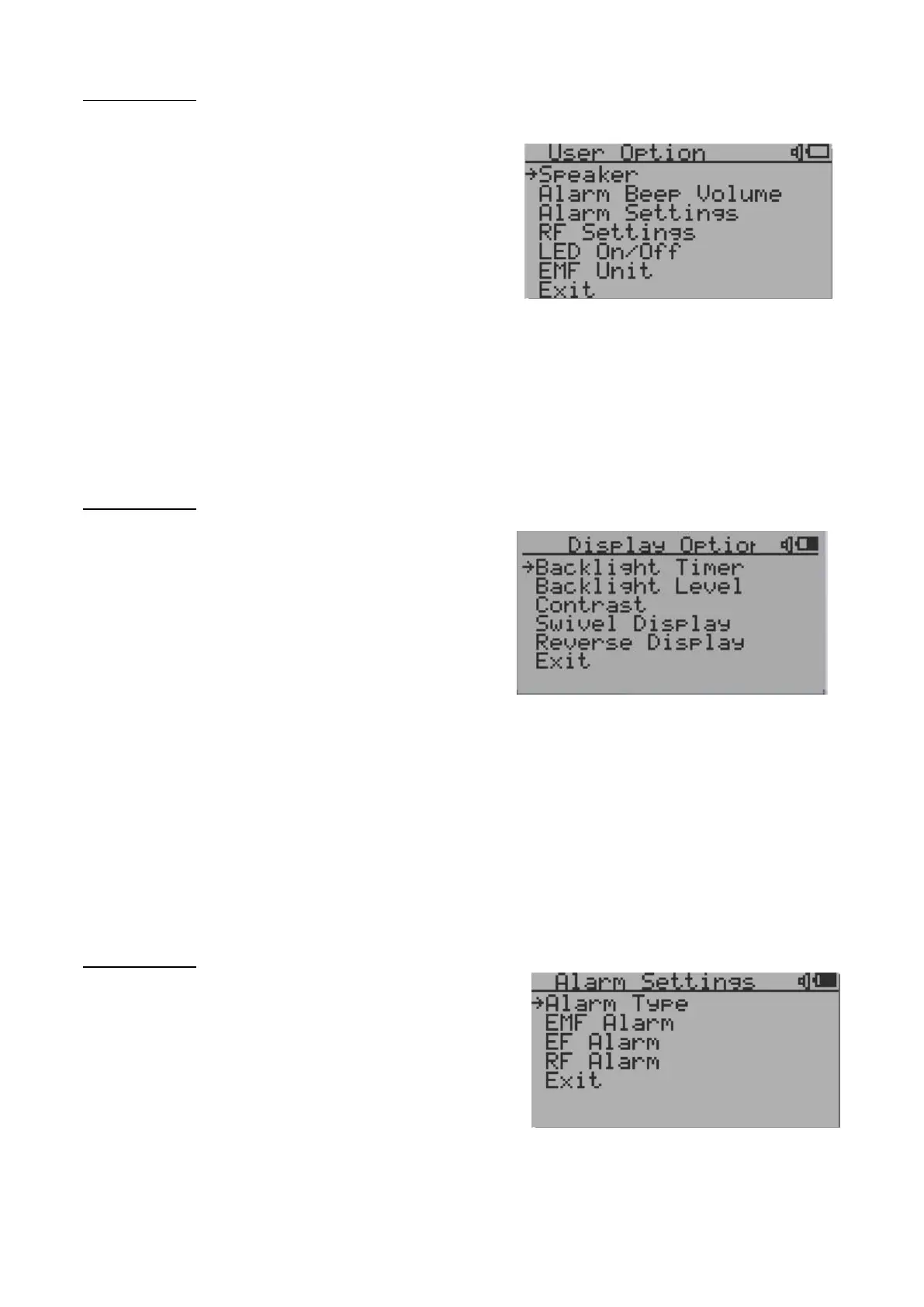
User Option
Navigation keys:
S1: Back S2: Up S3: Down S4: Select/Enter
Here you can set your personal preferences for your EMF
device:
1. The Speaker ON/OFF for all audio alarms.
2. The alarm Beep volume.
3. The alarm related settings.
4. RF related settings
5. LED indicator on and off.
Display Option
Navigation keys:
S1: Back S2: Up S3: Down S4: Select/Enter
1. Backlight Timer: Set the duration
before for the backlight switches
off.
2. Backlight Level: Set the level for
the backlight.
3. Contrast: Set the contrast for the backlight.
4. Swivel Display: Pressing the S4 key will cycle between: Normal -> Swivel -> Auto
Swivel modes.
In the Auto Swivel mode, the horizontal display will be rotated by 180° if the unit is held upside down.
5. Reverse Display: Invert the colors for the screen.
Alarm Setting
Navigation keys:
S1: Back S2: Up S3: Down S4: Select/Enter
1. The alarm audio type can be selected (beep/siren/ghost).
2. The threshold for the EMF Alarm (in mG).
3. The threshold for the EF Alarm (in V/m).
4. The threshold for the RF Alarm (in μW/cm²).



 To Next Page