Setup
313046A 19
center ENTER button on the meter’s keypad. This
new work order now appears as the first item in the
Work Order Queue.
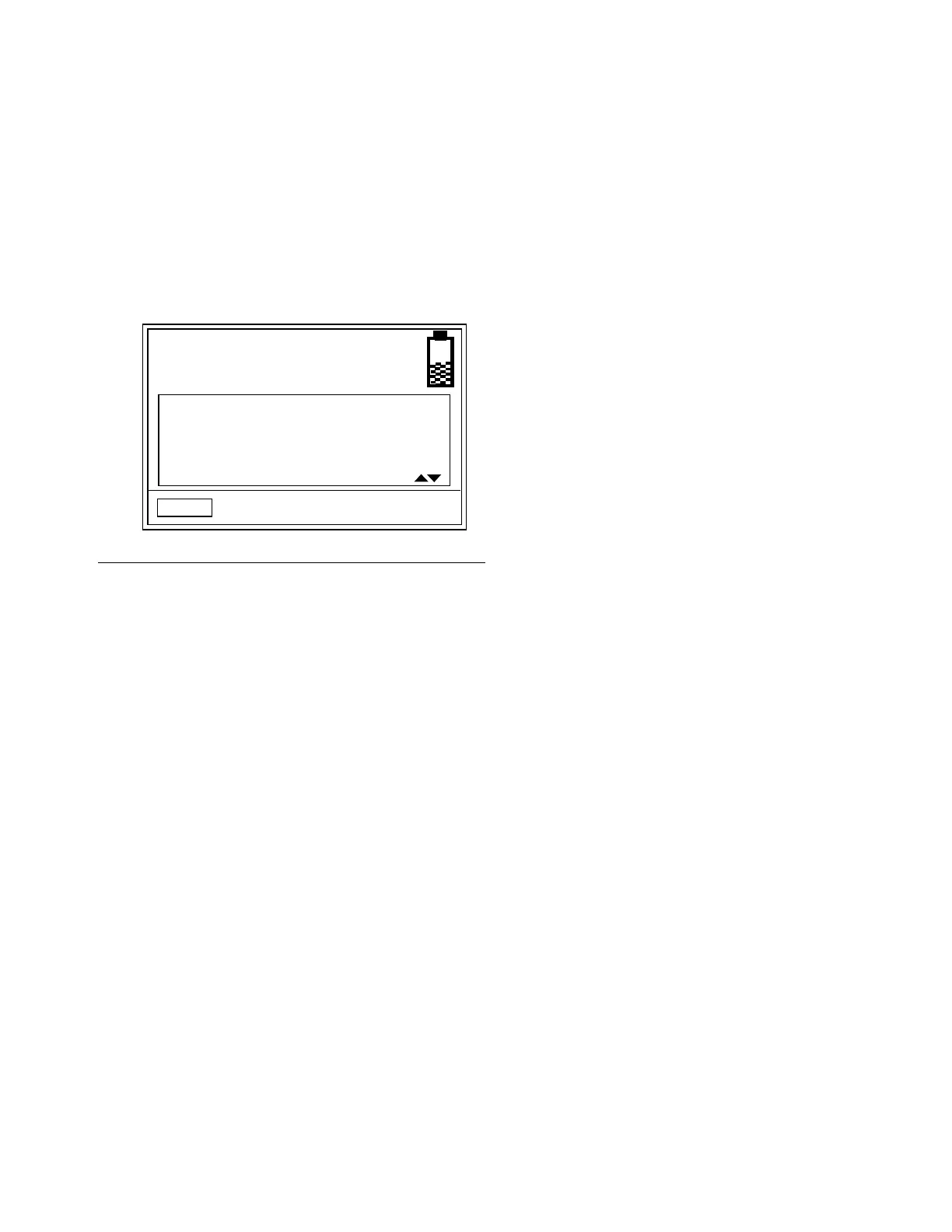
7. The work order selection screen displays. You can
either select the work order you just created or use
the UP or DOWN ARROWS to scroll through the list
of all work orders in the queue until you find the
work order that applies to the vehicle you are servic-
ing.
8. Use the LEFT or RIGHT ARROWS to move cursor
to SELECT. Press the center ENTER button on the
meter’s keypad to confirm the work order selection.
F
IG. 29
MOBIL
1
5W-20
SELECT
12345 - 12


 To Next Page