Dispense
20 313046A
Dispense
The meter dispense options are determined by the
System Administrator at the time the meter is
programmed. Meter dispense options include:
• Manual Dispense Mode
• Preset Dispense Mode
• Restricted Preset Dispense Mode
NOTE: To change the meter from one mode to another,
you must edit the meter’s profile.
Manual Dispense Mode
To dispense fluid in this mode:
1. If necessary, enter the PIN Code or Parts Room
Authorization request (15 and 17) and, if the meter
is set to use Work Orders and Job Codes, select or
add a Work Order (page 17).
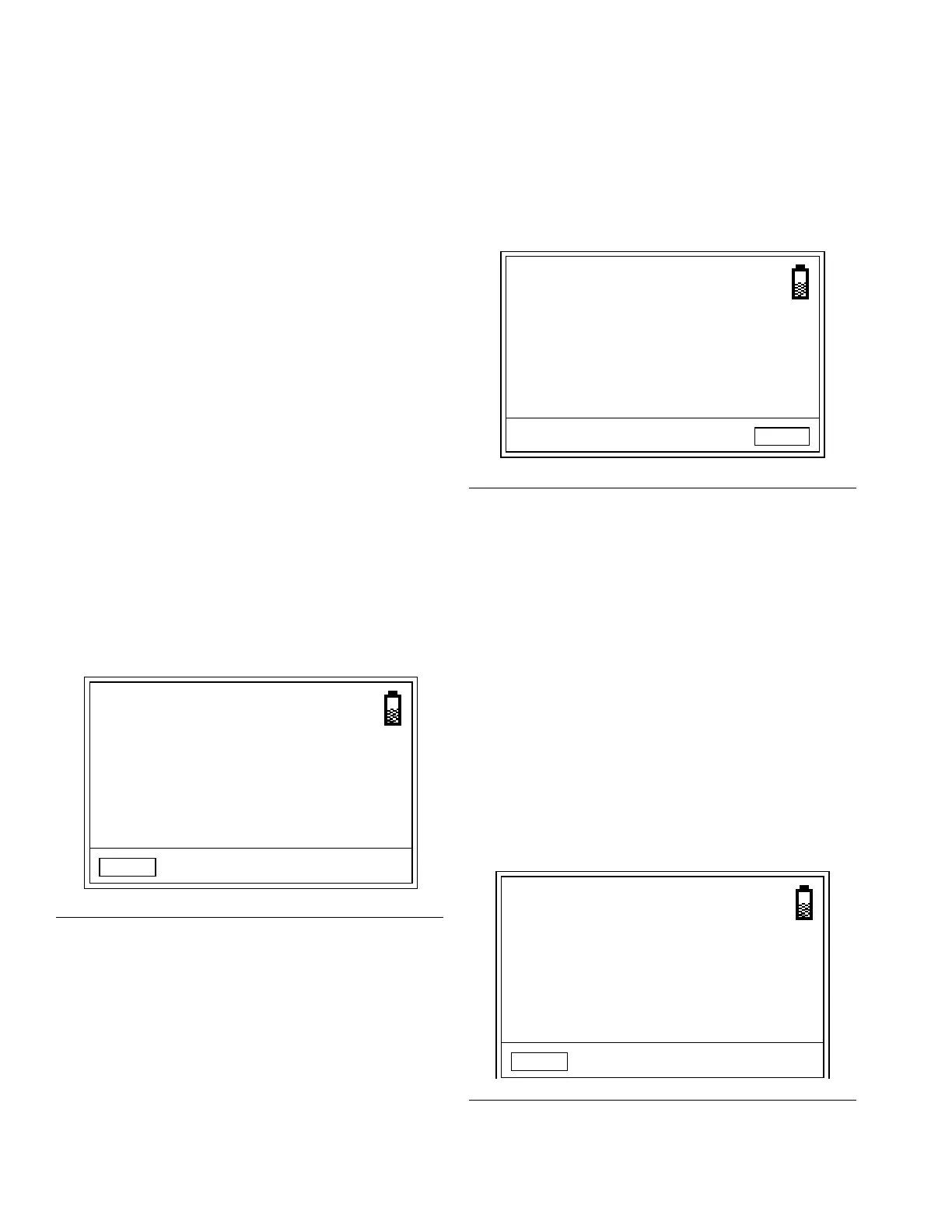
2. The Manual Dispense Screen (F
IG. 30) displays.
Press the center ENTER button on the meter’s key-
pad to select ACTIVATE. You will hear a loud click at
the meter indicating it is now ready to begin dis-
pensing fluid
3. Pull the trigger to begin the dispense. The meter
counts up until you release the trigger.
4. When you have finished the dispense, press the
center ENTER button on the meter’s keypad to
select END (F
IG. 31).
The meter sends the dispense report to the PC.
Preset Dispense
To dispense fluid in this mode:
1. If necessary enter the PIN Code or Parts Room
Authorization request (pages 15 and 17) and, if the
meter is set to use Work Orders and Job Codes,
select or add a Work Order (page 17).
2. The Preset Dispense Screen displays. Press the
center ENTER button on the meter’s keypad to
select the ACTIVATE. You will hear a loud click at
the meter indicating it is now ready to begin dis-
pensing fluid.
F
IG. 30
MOBIL
1
5W-20
0.00
QTS
ACTIVATE
FIG. 31
F
IG. 32
MOBIL
1
5W-20
0.00
QTS
END
MOBIL
1
5W-20
0.00
QTS
ACTIVATE


 To Next Page