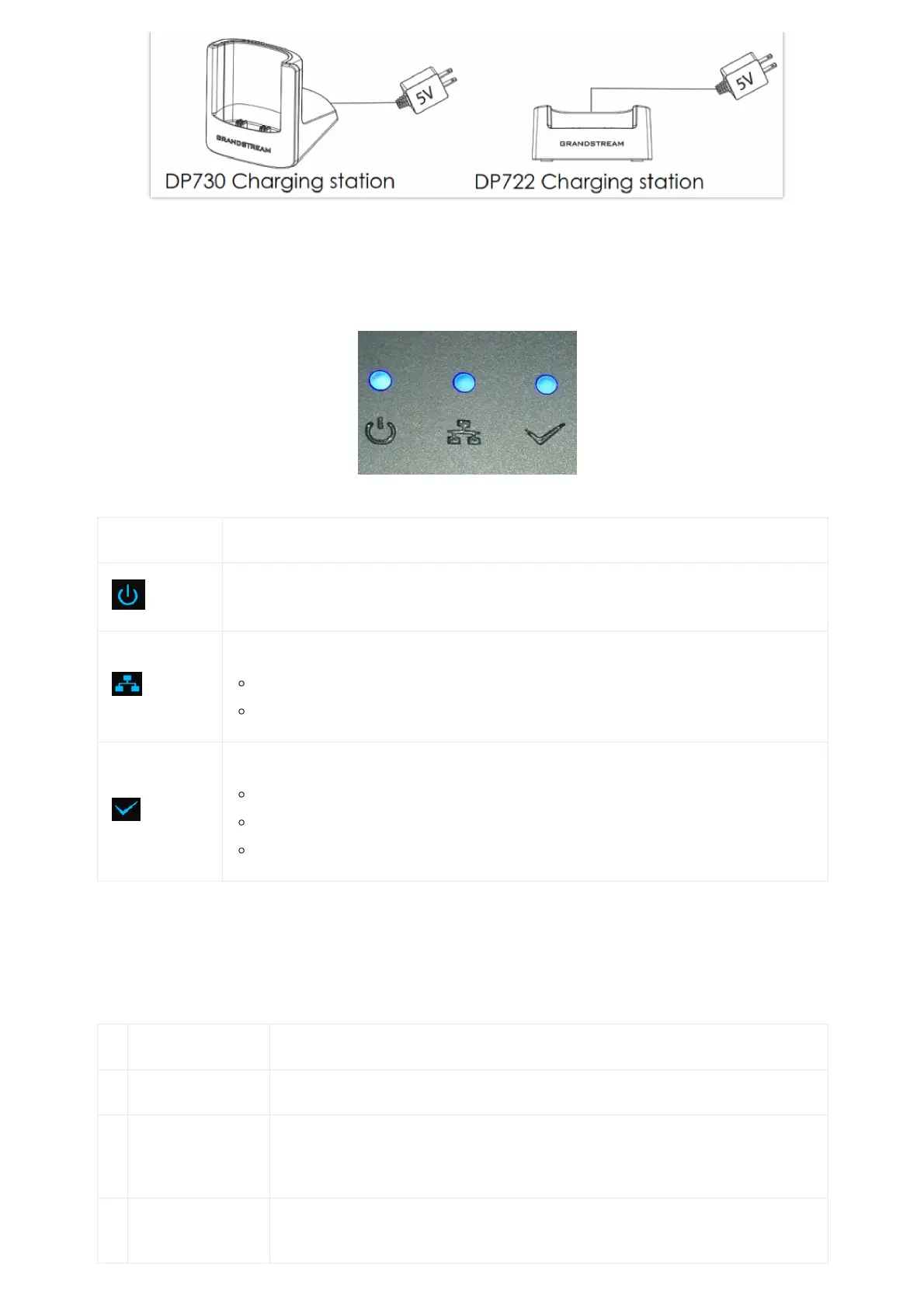
Setting up Charging Stations
DP755 LED Patterns
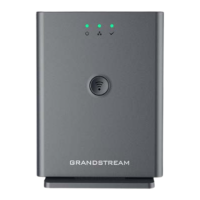
The DP755 has 3 LED lights on it. Please refer to the following table for the meaning of each light.
DP755 LED Patterns
LED Light Status
Indicates Power ON/OFF.
Indicates status of SIP account registration and network
Solid ON: SIP account registered.
Blinking: SIP account not registered or network error
Indicates status of the DECT handset registration:
Solid ON: Handset registered to base.
Fast Blinking (0.25s ON/0.25s OFF): Paging handset.
Blinking (0.5s ON/0.5s OFF): Pairing mode.
Table 11: DP755 LED Patterns
DP730/DP722 Handsets Description
The LCD screen and the Keypad are the main hardware components of the DP730/DP722.
Key Description
1. Earphone Delivers audio output.
2. LED Indication
Red: Charging. Green: Charge completed.
Blinking: Missed call(s) or Voice Mail received.
3,
5
Left and right
softkeys
Correspond to functions displayed on the LCD. These functions change depending on the
current context.

 To Next Page
 Loading...