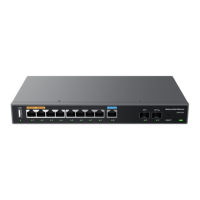
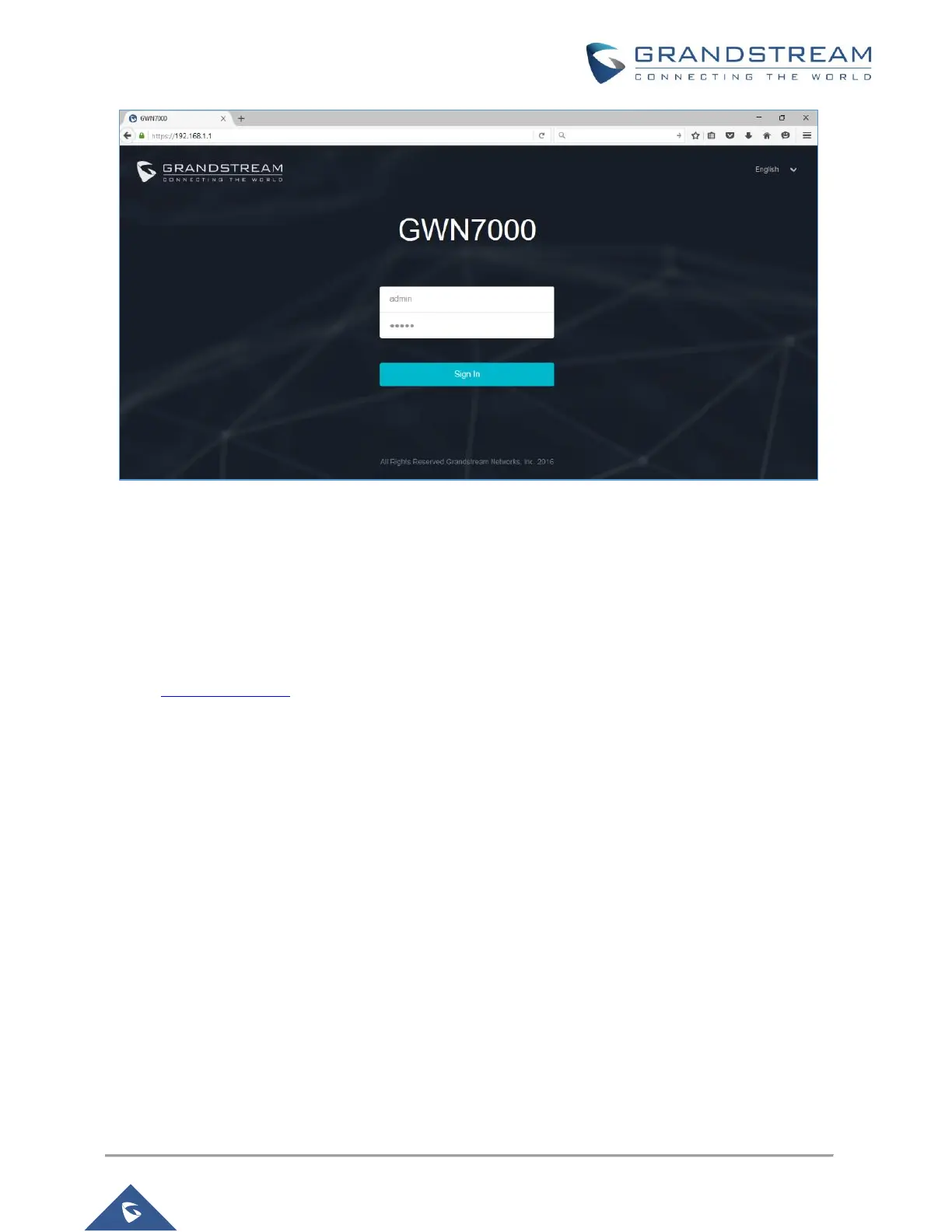
Figure 2: GWN7000 Web GUI Login Page
To access the GWN7000 Web GUI, please refer following steps:
1. Connect a computer to a LAN Port of the GWN7000.
2. Ensure the device is properly powered up, and the Power, LAN port LEDs light up in green.
3. Open a Web browser on the computer and enter the web GUI URL in the following format:
https://192.168.1.1
4. Enter the administrator’s login and password to access the Web Configuration Menu. The default
administrator's username and password are "admin" and "admin".
Note: At first boot or after factory reset, users will be asked to change the default administrator password
before accessing GWN7000 web interface. The new password field is case sensitive with a maximum
length of 32 characters. Using strong password including letters, digits and special characters is
recommended for better security.


 To Next Page
 Loading...